
Best Privacy Tools to Protect Your Online Activity in 2024
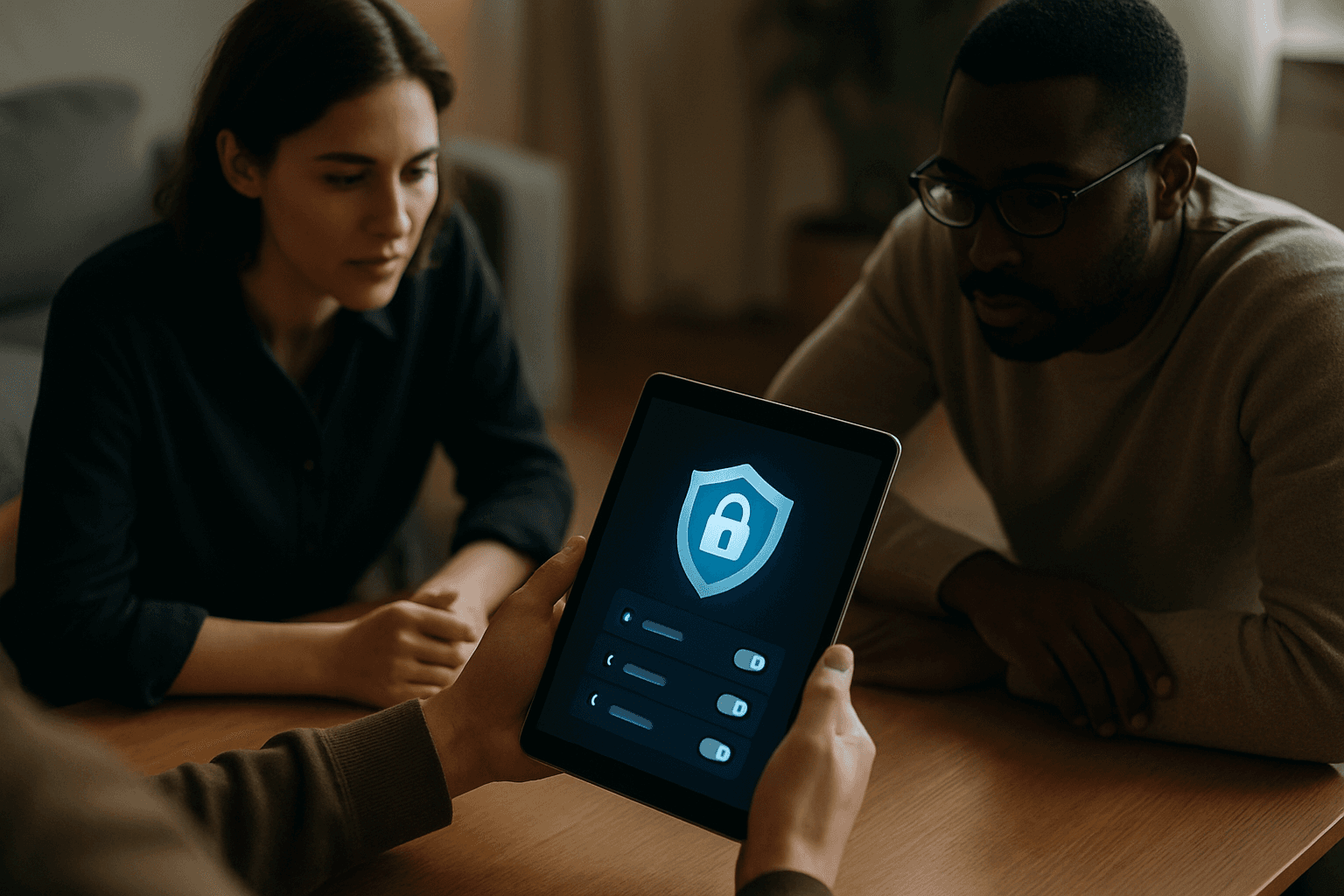
Best Privacy Tools to Protect Your Online Activity in 2024
Your digital footprint grows every time you browse, shop, or communicate online. Without proper privacy tools to protect your online activity, advertisers, ISPs, and other third parties can track your movements across the internet, collect your personal data, and sell information about your habits. Building a privacy-first digital setup doesn't require advanced technical skills—it means choosing the right combination of tools.
Virtual Private Networks: The Foundation of Online Privacy
A VPN hides your traffic from your network and internet provider and changes your apparent location. If you use a VPN, your ISP will think you're always connected to a single server on the internet, and your traffic will be encrypted, so your ISP won't be able to tell what you're doing at all.
NordVPN is a top choice for VPNs and a truly solid option for everyone, with the most full-featured service on the market and tools that will appeal to power users as well as an easy-to-use app that is intuitive and straightforward even for beginners. The service also carries out regular independent audits and uses RAM-only diskless servers for increased security.
Proton VPN is recommended for privacy-focused users who don't want to sacrifice connection speed, with a large server network and speed-boosting tools that reduce impacts on your network, while Secure Core adds an extra layer of privacy. If you would rather have an open-source client and the leanest possible data footprint, Mullvad is the pick the privacy community reaches for, and Proton VPN sits in between with open apps and a usable free tier.
OpenVPN and WireGuard are currently considered the most secure VPN protocols for privacy protection. Important note: A VPN does not make you anonymous on its own, and it shifts trust to the VPN company, so the provider matters more than the feature.
Password Managers: Securing Your Login Credentials
A password manager is a software tool that helps users securely store and manage their passwords for various online accounts, allowing users to remember one strong master password for the password manager itself instead of multiple passwords for different sites and services.
NordPass is the best password manager for most people, offering an affordable app packed with tools. The cost of NordPass Premium starts from approximately $1.5 per month.
RoboForm is also highly regarded, offering passwordless logins for under $1/month. Keeper and 1Password also placed high in recent comparisons.
Many password managers go beyond simple password management, offering additional features such as alerts for data breaches, dark web monitoring, secure storage of personal and sensitive information and credit card numbers, and multi-factor authentication (MFA) for added security.
Privacy-First Browsers: Your First Line of Defense
Choosing the right browser shapes your entire browsing privacy. For most users who want a practical balance of privacy, speed, and compatibility Brave is recommended; privacy purists who want auditability and extensibility should prefer Firefox; casual mobile users who want a zero-config private search experience will find DuckDuckGo easiest.
Brave blocks ads, trackers, and fingerprinting out of the box, with out-of-box privacy tested with EFF's Cover Your Tracks tool showing Brave blocked 100% of trackers.
Firefox remains the best overall for everyday privacy with the most familiar experience and least learning curve, working on everything. Firefox is better if you want privacy with control, as a full browser with extensions, sync, deeper settings, stronger customization, and more room to build a long-term daily setup.
DuckDuckGo released a full desktop browser for Mac and Windows in 2024. The DuckDuckGo browser strips away everything that isn't privacy, with no complex settings panels and no extension store.
Encrypted Messaging: Keeping Your Conversations Private
Signal is the gold standard for secure messaging and has been for years, with its protocol so well-respected that it's used as the foundation for encryption in WhatsApp, Google Messages, and many other apps.
Signal is widely regarded as the gold standard in encrypted messaging because of its open-source Signal Protocol, and uses end-to-end encryption (E2EE), meaning messages are encrypted on the sender's device and decrypted only on the recipient's device, ensuring no middle party, including Signal itself, can access the message content.
Telegram is not a private messaging app by default, with standard Telegram chats stored on Telegram's servers with encryption keys Telegram holds, and Telegram can read them. For privacy, avoid standard chats on Telegram.
Every message, call, and file sent through WhatsApp is encrypted in transit with the same cryptographic primitives as Signal, as WhatsApp has used the Signal Protocol—the same open-source end-to-end encryption standard developed by Signal's founders—since 2016.
Encrypted Email: Privacy for Your Inbox
ProtonMail was one of the first services to popularize end-to-end encrypted email, making it accessible even to non-tech users, and over the years, the platform has grown significantly, introducing new services like Proton Drive, Proton VPN, and Proton Calendar, Proton Pass, and Proton Wallet.
Every email sent through ProtonMail is encrypted from the moment it leaves your device until it's received by the intended recipient, who has the unique key to decrypt it, ensuring that no one in between, not even ProtonMail, can read your emails.
Mail Plus is the company's true premium email plan at $3.99/month, offering 15 GB of total storage on 10 email addresses. For more options, explore other private email services for protecting your inbox.
Ad Blockers and Tracker Blockers: Stopping Data Collection
Ads have become one of the most common delivery mechanisms for malicious redirects and data collection, and in 2025, Google blocked 8.3 billion ads and suspended 24.9 million accounts, including 602 million ads and 4 million accounts associated with scams.
Many ads contain hidden trackers that collect information about what you read or click, and by stopping both ads and their embedded trackers, an ad blocker speeds up page loading, reduces data usage, and strengthens your privacy every time you go online.
uBlock Origin has long been the gold standard for free tracker blocking on Firefox, with the open-source extension using millions of community-maintained filter rules to intercept tracking scripts in real time, and scored 100/100 in latest AdBlock Tester testing. However, Google's Manifest V3 killed most ad blockers in 2024, with Chrome now shipping with gutted tracker-blocking capabilities, though the good ones still work, they just aren't on Chrome anymore.
Privacy Badger works even against trackers that aren't on any block list yet, as it learns as you browse, making it particularly effective against new tracking domains that spring up regularly.
Two-Factor Authentication: An Essential Security Layer
Two-factor authentication adds an extra layer of protection to accounts, making it significantly harder for cybercriminals to gain unauthorized access. Instead of just entering a password, 2FA requires a second piece of information—something you have (like your smartphone) or something you are (like a fingerprint), so even if someone steals your password, they still need the second factor to access the account.
By combining two of these categories, 2FA provides a more robust defense against unauthorized access, making it significantly harder for attackers to compromise accounts.
Building Your Privacy Stack
Privacy isn't one-size-fits-all. Switch your browser and search engine, then turn on a password manager. From there, add a VPN for network-level protection, an encrypted messaging app for sensitive conversations, and browser-based ad and tracker blockers to stop data collection in real time.
Start with the basics—a strong, unique password for each account managed by a password manager, two-factor authentication enabled on critical accounts, and a privacy-focused browser. Layer in a VPN for extra protection, particularly when using public Wi-Fi. Then add encrypted email and messaging for sensitive communications. Every step compounds your privacy, making it harder for trackers and surveillance to follow your digital life.
The best privacy setup is the one you'll actually use consistently. Choose tools that feel natural to your workflow rather than ones that require constant configuration. Your privacy online depends not on perfect tools, but on sustained habits backed by reliable, well-maintained software.