
Best Ultralight Laptop for Students: Top Picks Under 3 Pounds
Why Weight Matters for Students
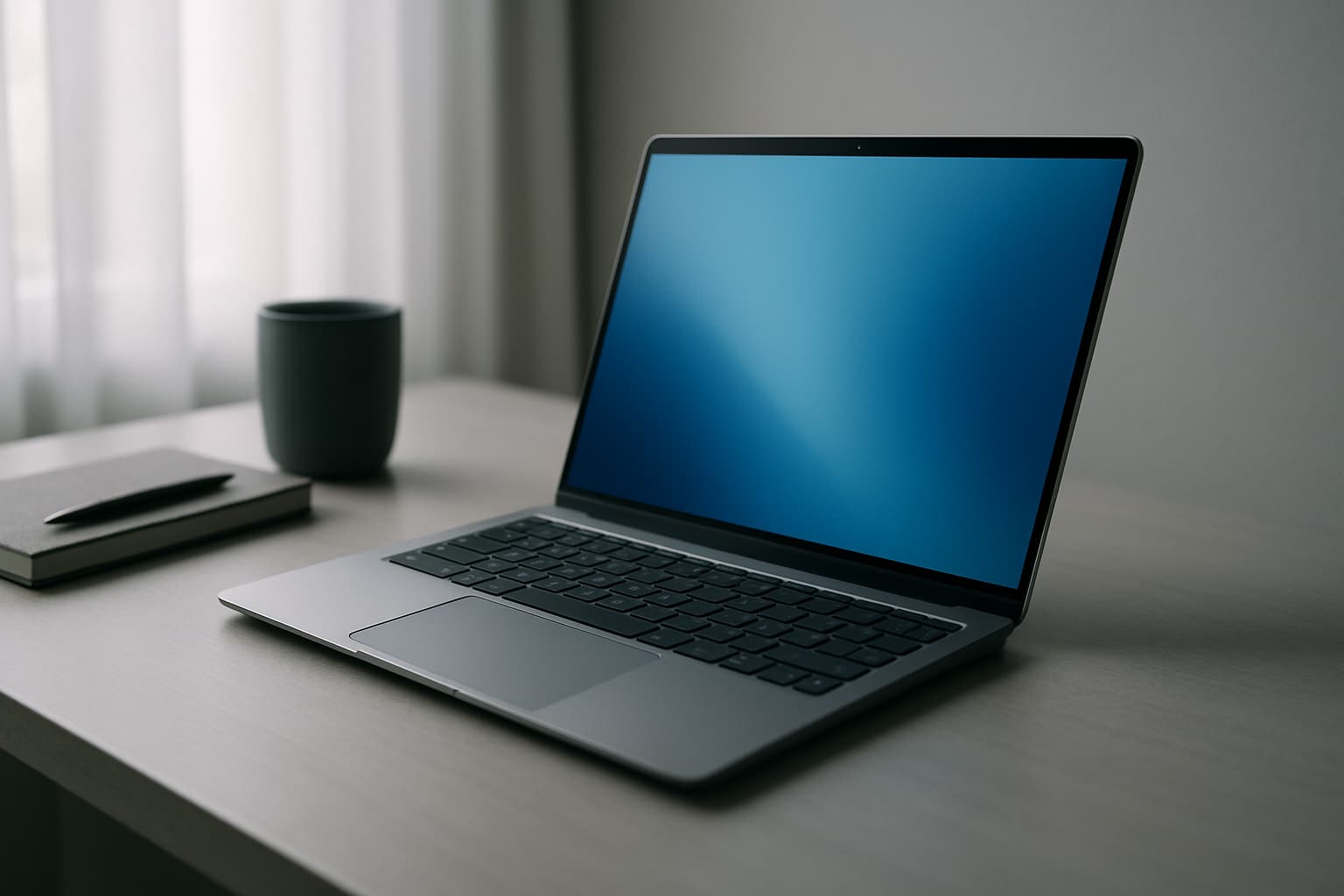
Every pound counts when you're moving between dorm rooms, libraries, coffee shops, and lecture halls. When you're always on the move, every ounce counts. A travel-friendly laptop should weigh under 3 pounds so it can slip easily into backpacks or carry-ons without adding strain during long treks across campus and between study spaces.
If you are searching for lightweight laptops for students, you are probably balancing two goals: mobility and everyday reliability. Students often move between classrooms, libraries, group study spaces, and home. A portable laptop helps you stay comfortable while taking notes, reviewing slides, and completing assignments.
The challenge is balancing this portability with actual capability. Ultralight laptops typically prioritize battery life and often use power-efficient components and fanless designs to keep weight down while maintaining usability throughout the day.
What Students Actually Need in Performance
You probably won't be rendering 4K video or running complex engineering simulations on your student laptop. If you mainly use word processors, spreadsheets, slide decks, and online classes, you do not need extreme power. However, you do want smooth transitions between apps and stable performance during video calls.
Lightweight laptops often use power-efficient processors that can support common academic activities such as web browsing, document editing, research, and online learning. For coding and programming coursework, a Snapdragon X Plus chip delivers a quiet, fanless experience (perfect for working in libraries and lecture halls), and it should handle basic coding and homework just fine. However, if your coursework is heavy on SolidWorks, Autodesk apps, or older MATLAB workflows, an x86 Windows laptop is a safer bet for performance and app compatibility.
Battery Life: The Unsung Hero
An ultralight laptop is only as useful as its battery. The best ultralight machines prioritize efficiency so you can leave the charger behind. Battery life is critical for students who move between locations throughout the day without access to power outlets.
Modern lightweight laptops under 3 pounds now deliver desktop-class performance, brilliant displays, and all-day battery life—meaning you can get through a full day of classes and study sessions without recharging.
The Top Ultralight Picks for Students
Apple MacBook Air M5 13-inch — Best Overall
Apple's 13-inch MacBook Air with M5 features a 10-core CPU, an 8-core GPU in the base configuration, a 13.6-inch 2560×1664 Liquid Retina display, 500-nit brightness, and a 2.7-pound weight. Apple rates the battery for up to 15 hours of wireless web use or 18 hours of video streaming.
At launch, the 13-inch MacBook Air with M5 started at $1,099 (U.S.), and $999 (U.S.) for education. Both include 16GB of unified memory and 512GB SSD storage. The entry-level 13-inch configuration has an 8-core GPU rather than the 10-core GPU used in every 15-inch configuration.
The 13-inch MacBook Air (M5, 2026) is built for buyers who want a dependable, lightweight Mac for everyday computing without paying MacBook Pro prices. At the core is the M5 chip: a 10-core processor whose GPU now carries a dedicated Neural Accelerator in every core, pushing on-device AI tasks noticeably faster while keeping everyday multitasking smooth. The M5 MacBook Air is the gold standard for students who work within Apple's ecosystem.
ASUS Zenbook 14 OLED — Best Value Performance
It's thin (0.59 inches) and light (2.82 pounds), which is ideal if you're running from class to class. It balances portability, display quality, performance, and battery life better than any other laptop in its price range in 2026. The ASUS Zenbook 14 OLED checks every box for most college students: a stunning 14-inch OLED display, Intel Core Ultra 7 processor, 16GB of LPDDR5 RAM, a 1TB NVMe SSD, and over 12 hours of battery life in a chassis under 1.4 kg.
The Zenbook 14 is a smart choice if you value Windows and want a premium OLED display without paying premium prices.
ASUS Zenbook A14 — Lightest Full-Featured Option
Given that a student carries their laptop every day, weight matters a lot. The ASUS Zenbook A14 is designed with this exact idea in mind, weighing just 2.4 pounds. The Qualcomm Snapdragon X Plus processor, with 16GB of RAM and 512GB of SSD storage, powers the Zenbook A14. Its performance is comparable to Apple's M3 and the Core Ultra 258V. You can throw any college-related task at it, and the A14 will carry that out smoothly, except for demanding gaming and heavy creative work.
Microsoft Surface Laptop 7 — Best Windows Alternative
The best lightweight Windows laptop option at 2.7 lbs—matching the MacBook Air in weight. It features a gorgeous 3:2 120Hz display and up to 20 hours of battery life from the Snapdragon X Elite chip. The Surface Laptop 7 is perfect for budget-conscious buyers who won't compromise on quality, all-day users needing extreme battery life, business professionals who prefer Windows, and students seeking a reliable, long-lasting laptop.
Key Features to Prioritize
Display Quality
Your eyes spend hours on that screen. Higher-resolution displays can support clearer text and sharper visuals for study materials, presentations, and media viewing. OLED screens offer superior contrast, while bright LCD panels (400+ nits) work better in sunlit outdoor study spots.
Battery Life Over Specs
A powerful processor means little if you need to find a charger midway through the day. Look for machines rated for 12+ hours of real-world use, not just marketing claims.
Keyboard and Trackpad
You'll spend hours typing notes and essays. Test these before buying if possible—a cramped keyboard or sluggish trackpad will frustrate you daily.
The Weight vs. Performance Tradeoff
The LG gram 14 is among the lightest laptops available in 2026 at 2.5 pounds, while the MacBook Air M5 follows closely at 2.71 pounds. Both deliver full ultrabook performance in shells under 3 pounds and are the strongest choices for frequent travelers.
The good news: modern ultralight laptops no longer force you to choose. Despite their light weight, many of our top picks offer strong performance and long battery life, too. The engineering is finally there to give you both.
What to Avoid
Don't prioritize processor brand over actual specs. A newer-generation power-efficient chip (like the Snapdragon X or Apple M5) will outperform older high-power processors in real-world student tasks. Check the RAM and storage configurations carefully—upgradability is often limited on ultralight machines, so buy the config you'll actually need.
Bottom Line
For most students, the MacBook Air M5 13-inch is the best lightweight laptop overall: 2.7 lbs, 18 hours battery, M5 chip that handles everything—and you never carry a charger. Most people who prioritize portability should buy this. If you need Windows, the ASUS Zenbook 14 OLED delivers premium features at a better price. And if maximum lightness is your goal, the ASUS Zenbook A14 at 2.4 pounds shaves off half a pound while remaining capable.
The weight threshold of 3 pounds isn't just a marketing gimmick—it's the difference between a laptop you'll actually carry and one that stays on your desk. Choose one and leave the charger behind.