
Best VPN Kill Switch: Complete Guide to VPN Protection
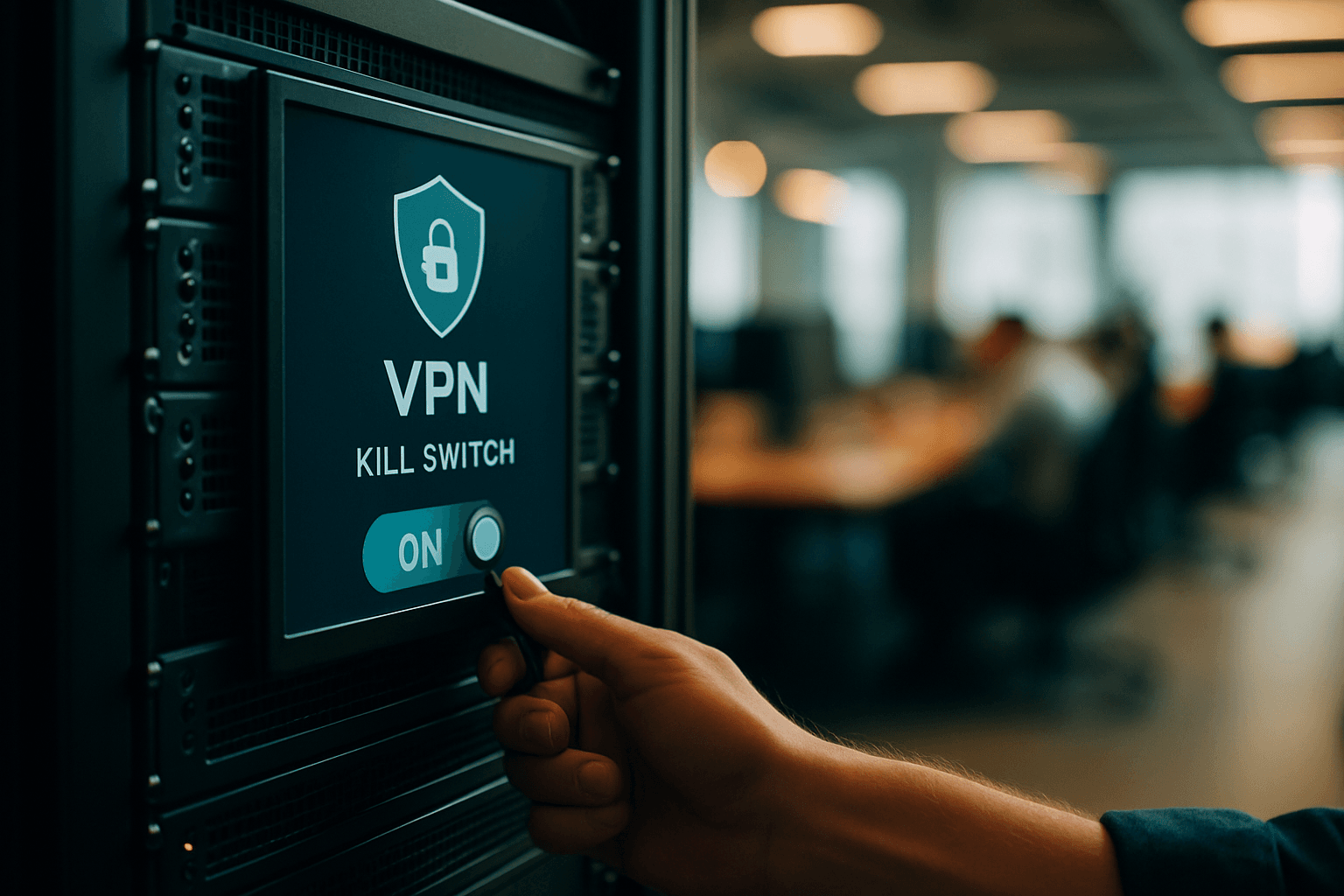
Best VPN Kill Switches: How They Work and Why You Need One
A VPN kill switch is one of the most important—yet often overlooked—privacy features you can enable. If you care about keeping your internet activity private, understanding how kill switches work and choosing a VPN with a reliable one should be a priority.
What Is a VPN Kill Switch?
A VPN kill switch is a security feature that helps keep your in-transit data and online activity safe from exposure by automatically disconnecting your device from the internet when your VPN connection fails. A VPN kill switch is a simple backup measure that prevents you from accessing the internet when your connection is not secure.
The reason this matters is straightforward: if the connection drops, even briefly, your internet data can be exposed without you even realizing it. This protection only stays in place for as long as you're connected to a VPN service.
How VPN Kill Switches Work
A VPN kill switch works by constantly monitoring your connection, detecting issues, blocking your access to the internet, and restoring your connection as soon as it's safe. The process happens in four key stages:
Monitoring: A VPN kill switch continuously monitors your connection to your VPN server by scanning for changes in status or IP address.
Detecting: The VPN kill switch will then instantly detect any changes that could prevent your VPN from working properly.
Blocking: Depending on what type of VPN you're using, your VPN kill switch will either block certain apps or your entire device from accessing the internet.
Reconnecting: Once the tunnel between your device and server is back online, your VPN will reestablish your device's internet connection.
A VPN kill switch will kick in as soon as it detects that your VPN connection has gone down. Here are a few examples of when this might happen:
- If your internet is disconnected from your VPN server because it's struggling with connectivity issues
- If you decide to switch VPN servers
- If you experience unreliable network connections, such as using public Wi-Fi
Why You Need a VPN Kill Switch
The critical reason to enable a kill switch is straightforward: you can't enjoy the protections of a VPN if it shuts off without you noticing. This prevents your IP address or DNS queries from being exposed, since that's the reason you're using a VPN and even a short exposure can be compromising.
Security experts generally advise that if your VPN doesn't include a kill switch, you should switch to one that does. The stakes are particularly high when you're on unstable or public networks. Scenarios where kill switches prove essential include:
- Torrenting, to prevent leaking your IP address to peers in a swarm
- On public Wi-Fi connections where hackers could compromise your data
- On mobile, when connections frequently drop and reconnect
Without a kill switch, a split-second VPN disconnection can reveal your real IP address and browsing data to your internet service provider, websites, and any third parties monitoring the network.
System-Level vs. App-Level Kill Switches
Not all kill switches are created equal.
System-level kill switch: Blocks all internet traffic on the entire device when the VPN drops. Nothing gets through — not browsers, not apps, not background processes. This is the most secure option. A system-level VPN kill switch is more secure than an application-level kill switch, but it can lead to frequent hang ups while browsing if you've got a spotty internet connection.
App-level kill switch: Only terminates specific applications you select. An application-level kill switch lets you control which apps continue to function if your VPN connection drops. You can allow certain apps to bypass the VPN and stay connected, while others are blocked if the VPN disconnects. This flexibility is useful for non-sensitive applications that you don't want interrupted.
Best VPNs with Kill Switches
NordVPN – Best VPN with Kill Switch – While many VPNs offer kill switch functionality, NordVPN offers so much more. It offers one for specific apps and one for your entire system, so you can tailor your protection to suit your needs, whether you're torrenting, gaming, or just browsing.
Surfshark: The best cheap VPN with a kill switch. Speedy WireGuard connections make it great for streaming. Works with Hulu, HBO Max, Netflix US, and other popular services. Includes no logs policy, DNS leak protection, ad blocking, strong encryption, and allows unlimited connections.
ExpressVPN: Offers kill switch for all platforms with an auto-reconnect feature. The Internet Kill Switch is active on first launch and works perfectly on mobile and other platforms as well as desktop.
CyberGhost VPN: The best kill switch VPN for beginners. A simple interface and features make it easier to learn and use.
Key Considerations When Choosing a Kill Switch VPN
While most premium VPNs include a kill switch, not all kill switches are the same. Some are more reliable and easier to use, which is why it's essential to choose a VPN that offers a top-notch kill switch.
Most VPN apps let you enable or disable the kill switch in their settings, though features vary between providers. Before committing to a service, verify that the kill switch is available on all the devices and operating systems you use.
A kill switch doesn't affect internet speed. However, the biggest downside of using a kill switch is that, if it activates, it could disrupt whatever you're doing online. If you're downloading a large file, playing an online game, conferencing with your boss, or in the middle of writing an important paper, a VPN kill switch could seriously disrupt your flow or cause you to lose things.
Should You Enable Your Kill Switch?
Security experts generally advise that if your VPN doesn't include a kill switch, you should switch to one that does. If privacy is important, a kill switch helps prevent your real IP address and internet traffic from being exposed if your VPN disconnects unexpectedly.
We recommend enabling your VPN's kill switch at all times if you want to maximize privacy. The brief inconvenience of a reconnection is a minor trade-off for the assurance that your private data won't leak during unexpected connection drops.