
Biometric Authentication vs Passwords: Security & Convenience Trade-offs
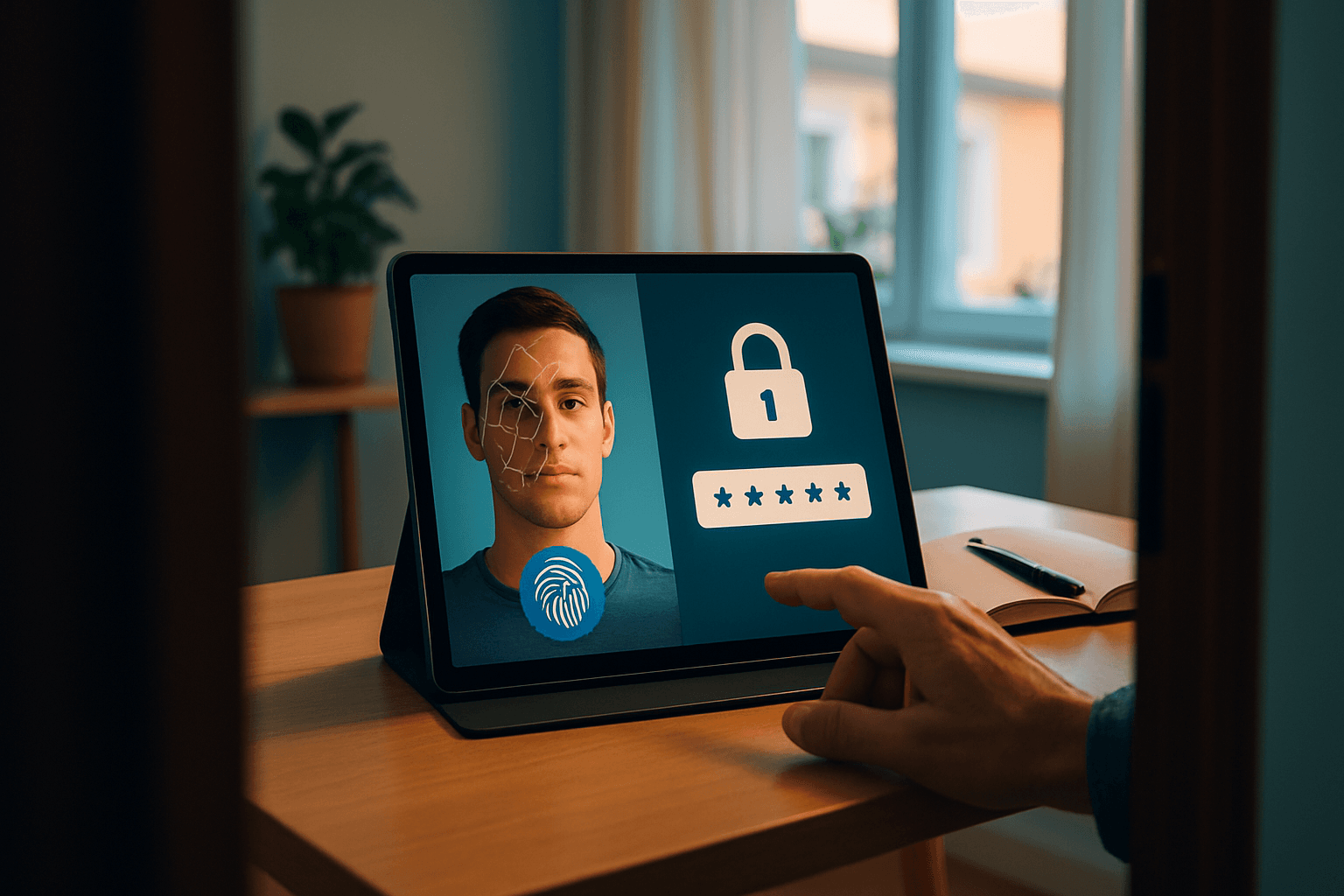
Biometric Authentication vs. Password Managers: Security and Convenience Trade-offs
The debate over how to secure our digital lives has shifted in recent years. According to the 2024 FIDO Survey of 10,000 consumers, 28% preferred biometrics for signing into online accounts, apps, and smart devices, making it the most popular choice. Yet password managers remain a solid option for those who favor a different approach. Both methods have strengths and weaknesses—and the right choice depends on your specific needs and risk tolerance.
The Case for Biometric Authentication
Biometrics offer something passwords cannot: something you are rather than something you remember. Biometrics are harder to replicate than traditional methods like passwords, significantly reducing identity fraud across industries.
Security Advantages
Biometric authentication eliminates vulnerabilities associated with passwords, tokens, and other traditional forms of identification. Physical and behavioral characteristics cannot be guessed, stolen, or shared like conventional authentication methods, reducing the risks posed by phishing, credential stuffing, and social engineering.
The superiority becomes clear when comparing biometrics to password vulnerabilities. Compromised credentials were the leading cause of cyber attacks in 2024. More specifically, stolen credentials were identified in 16% of intrusions in 2024, up from 10% in 2023. Passwords fall victim to multiple attack vectors: phishing (deceptive emails or messages that trick users into revealing credentials), credential stuffing (attackers using previously leaked username/password pairs), and malware (key-loggers and spyware that capture login credentials).
Speed and User Experience
One of biometrics' biggest selling points is sheer convenience. Biometric verification is often exponentially faster than passwords or PINs, with fingerprint scanners unlocking devices in a split-second compared to the two or so seconds of typing a password. A fingerprint scan or face recognition check typically takes only a second, allowing users to authenticate with minimal effort.
User satisfaction levels with biometrics (8.9/10) are significantly higher than passwords (6.4/10), showing users prefer convenience over memorization.
The Catch: Biometric Vulnerabilities
Despite their advantages, biometrics aren't invulnerable. Techniques such as spoofing (using fake fingerprints, images, or videos) or exploiting poorly implemented algorithms can allow attackers to bypass these systems.
More critically, if biometric data is compromised, it cannot be changed like a password, making the impact long-term. When biometric templates get compromised, users face severe consequences because their biological characteristics cannot be altered.
The integration of multiple biometric modalities (such as facial recognition, fingerprint scanning and voice recognition) into single authentication systems is becoming more common, which helps improve security and user experience by providing multiple layers of fast, frictionless authentication.
Password Managers: A Different Approach
Password managers take the opposite tack—they don't replace passwords, they strengthen them. These tools store and encrypt login credentials behind a single master password, allowing users to maintain unique, complex passwords for every account without memorization.
How Password Managers Protect You
When you save a password in a password manager, it is encrypted and stored in a secure vault that contains all sensitive information. Encryption converts plain text passwords into strings of characters that are unreadable without the encryption key, making them virtually impossible for potential hackers to decipher.
Many password managers use zero-knowledge architecture, which means the service provider has no knowledge or access to your master password. As encryption and decryption processes occur on your device, the service provider never sees your passwords in unencrypted form and has no way of decrypting them.
Real Security Gains
The practical benefit is significant. A survey conducted by NordPass in 2024 shows that the average person has 168 passwords. Without a password manager, most users either reuse passwords or choose weak ones—both of which create vulnerabilities. A study from Bitwarden found that 72% of Gen Z respondents admitted to reusing passwords and 35% revealed that they never or rarely update their password after a data breach.
Password managers automatically generate long, random passwords for every account, reducing risks like credential stuffing and account takeovers.
The Single Point of Failure Risk
Password managers introduce a specific vulnerability: Because your vault is protected by one master password, it can become a single point of failure. If cybercriminals steal it, they could gain access to all your stored logins — and in some cases even lock you out and demand payment through a ransomware attack.
However, some password managers secure your vault with two-factor authentication (2FA) or multi-factor authentication (MFA) options. This adds an extra verification step — like a code sent to your phone, email, or authenticator app — on top of your master password. That way, even if someone steals your master password, they still can't unlock your vault without that second factor.
Are They Safe?
Password managers are one of the safest ways to store and manage your credentials because they use strong encryption, secure storage, and zero-knowledge architecture. They are statistically far, far safer than the alternative of using human memory or a spreadsheet. But using a reputable password manager is one of the single most effective things you can do to protect your online life.
The Best Approach: Combined Security
Rather than choosing one method over the other, the strongest security posture combines both. There are two main weaknesses that enable credential stuffing attacks to be successful. The first is the bad habit of users reusing their passwords; and secondly, multi-factor authentication (MFA) not being leveraged by those users when it is available.
To ensure maximum security, it is recommended to use both authentication methods: strong passwords and biometry.
A Practical Hybrid Strategy
Use a password manager to generate and store unique, complex passwords for every account. Enable biometric unlock for your password manager vault itself. For the most critical accounts—email, banking, and financial services—add an additional biometric or MFA layer on top of your password manager login.
Biometrics such as fingerprint and facial recognition are increasingly part of modern login experiences, offering a faster and potentially more secure alternative. Meanwhile, password managers handle the burden of password management, freeing you from the cognitive load of remembering dozens of credentials.
The Verdict
Neither biometric authentication nor password managers are panaceas. Biometrics excel at speed and convenience while eliminating password-based attacks entirely, but they carry irreversible risks if compromised. Password managers dramatically reduce the security burden of managing weak, reused credentials while introducing a focused vulnerability at the master password level.
The future of authentication is layered. Organizations and individuals who adopt both biometrics and password managers—combined with multi-factor authentication where possible—create redundancy in their security. When one method is compromised, others remain in place. That overlap is where real security lives.