
Bubble vs FlutterFlow No-Code: Which Platform Wins for Business Automation?
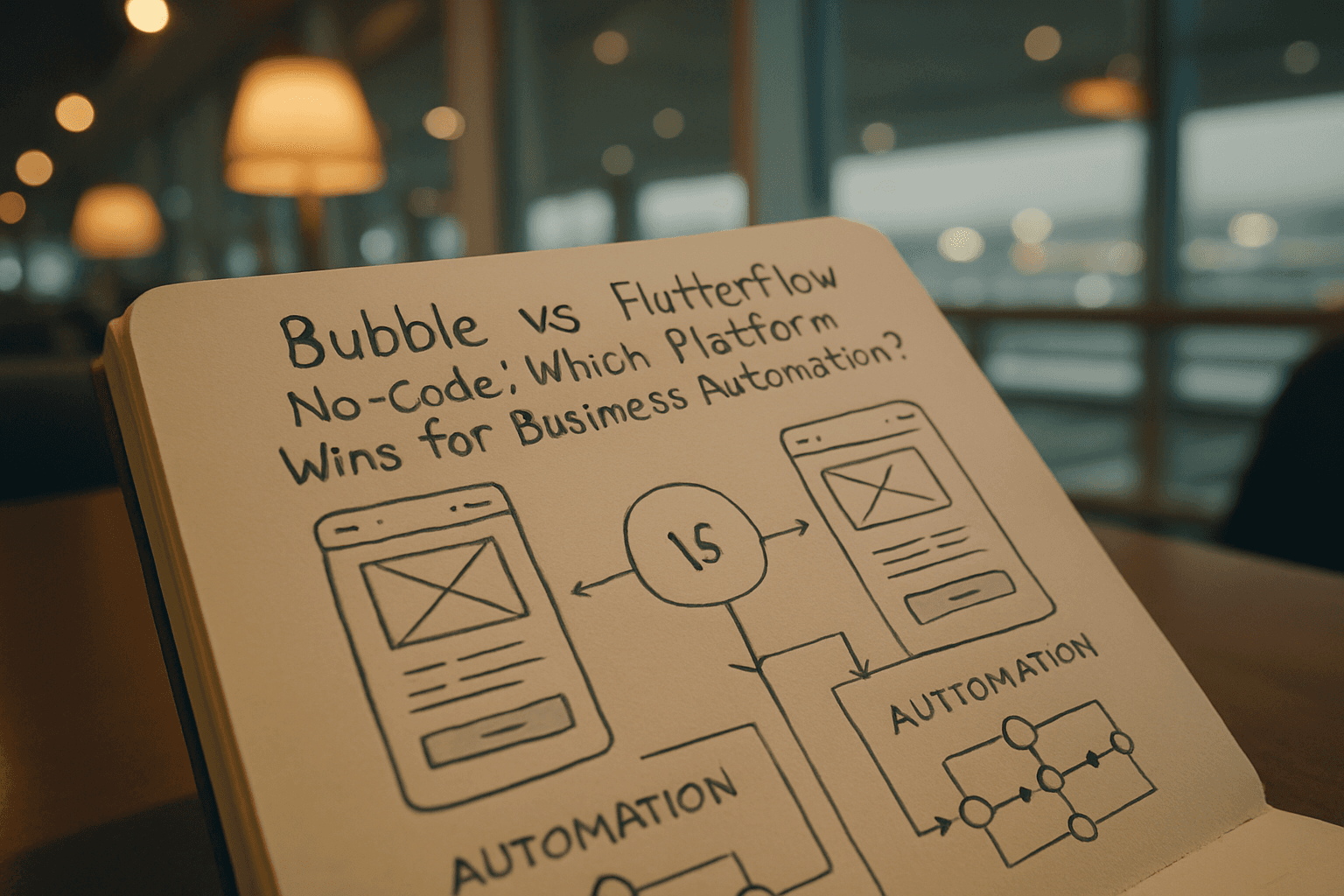
The Core Difference: Web vs. Mobile
The biggest distinction between these platforms comes down to their primary focus. Bubble is the stronger choice for web applications with a built-in backend, database, and workflow engine in one platform, ideal for SaaS, marketplaces, dashboards, and internal tools. FlutterFlow is a good choice for native mobile apps, generates real Flutter (Dart) code, deploys directly to app stores, and lets you export your source code.
For business automation specifically—where most organizations need tools like internal dashboards, approval workflows, and data management systems—this distinction matters. Bubble is commonly used to build admin panels and internal dashboards where teams can manage users, records, approvals, and system settings in one place with role-based access.
Pricing and Real Costs
Both platforms offer free plans, but pricing differs structurally. Bubble's Starter plan is $29/month for web only, with mobile plans starting at $42/month and combined Web + Mobile plans starting at $59/month. However, there's a catch: the real monthly cost of Bubble often lands between $300 and $1,500 per month for active business apps, depending on scale, usage patterns, and optimization quality.
FlutterFlow offers four main plans: Free ($0), Basic ($39/mo), Growth ($80/mo for 1st seat), and Business ($150/mo for 1st seat). FlutterFlow charges $80/mo per seat with no database included — Firebase or Supabase costs extra. This means your actual costs include backend hosting separately.
Bubble's costs scale with app usage (workload units), while FlutterFlow's costs scale with team size (per-seat pricing), and Bubble's workload model can lead to unexpected bills if traffic or workflow complexity grows.
AI Capabilities: Current Implementation
Both platforms have integrated AI features, though applied differently. Bubble has integrated AI features allowing users to generate entire applications by simply describing their ideas, with an AI App Builder generating a complete application including pages, elements, workflows, and a database schema. The Bubble AI Agent (beta) generates complete, step-by-step workflows in real time as you describe them, letting IT teams deploy working automation in minutes instead of weeks.
FlutterFlow includes AI features like prompt-to-page and prompt-to-component that help generate UI layouts, basic screens, and components faster. FlutterFlow's AI Agent Builder, introduced in March 2025, accommodates three prominent AI providers—Google Gemini, OpenAI, and Anthropic Claude—so developers can develop smart, conversational interfaces in their apps that manage customer support, send personalized recommendations, and automate intricate business processes.
For business automation workflows specifically, Bubble's AI agent has a slight edge because it can generate complete backend workflows and logic, not just UI components. This matters for automating approval chains, data processing, and complex business rules.
Backend and Database Architecture
This is where the platforms diverge significantly. Bubble wins on simplicity for backend setup while FlutterFlow wins on independence and long-term flexibility. Bubble has a built-in backend while FlutterFlow requires Firebase or Supabase, with backend configuration complexity significantly higher with FlutterFlow from day one.
Bubble comes with its own database where you define data types and relationships, making it easier to manage users, records, permissions, and structured data inside the app. Bubble uses visual workflows to handle logic and automation, a built-in database for structured data, and APIs for external tools, making it easier to support complex use cases.
For business automation, Bubble's integrated approach means fewer moving parts. You don't manage a separate backend; workflows, data, and logic live together. FlutterFlow users must configure and manage Firebase or Supabase separately, adding complexity but also giving more control.
Workflow Automation and Business Logic
Bubble wins for web-based business logic while FlutterFlow wins for complex mobile UI interactions and state management. Bubble uses visual workflows to define logic step by step, allowing you to control conditions, triggers, and outcomes without writing code, making complex behavior easier to understand and maintain.
For automation-heavy business apps—the typical use case for no-code in 2026—Bubble's workflow engine is purpose-built. Bubble supports scheduled workflows and background tasks that run on a schedule or in the background, useful for tasks like sending reminders, processing data later, or running system checks without user action.
Mobile Support and Native Apps
FlutterFlow produces true native iOS and Android apps while Bubble produces mobile websites running in a browser. Bubble is primarily designed for web app development while FlutterFlow is built specifically for both native mobile and web applications, giving users the flexibility to launch apps across platforms.
If your automation solution needs to work natively on mobile devices with offline capability or app store deployment, FlutterFlow is the clear choice. If you're building internal tools or dashboards that users access via browser (which covers most business automation), Bubble works fine and is actually faster to build.
Code Ownership and Exit Strategy
FlutterFlow exports Flutter/Dart code while Bubble exports nothing. FlutterFlow has a clear edge with Dart code export giving options Bubble doesn't currently offer, but in exchange for true no-code, Bubble builders are building on Bubble's infrastructure rather than a portable codebase.
If long-term portability and code ownership matter to your organization, FlutterFlow wins. If you want to focus purely on the automation problem and accept vendor lock-in as the trade-off, Bubble removes that concern entirely.
Best Choice for Business Automation
Bubble is the stronger choice for launching real, production-ready apps because it handles design, database, workflows, hosting, and deployment in one no-code platform. Builders use Bubble across a much wider range of use cases than FlutterFlow, and FlutterFlow is strongest for mobile-first apps and rapid prototyping, but once you need a broader range of backend logic, integrations, or platforms beyond mobile, Bubble's full-stack scope gives it the edge.
Choose Bubble if:
- You're building web-based automation tools, internal dashboards, approval workflows, SaaS platforms, or marketplaces where backend logic and data management are critical
- Your team is non-technical, and you need to launch quickly
- You want predictable infrastructure with built-in hosting and security
Choose FlutterFlow if:
- You need native mobile apps for iOS and Android
- You want full source code control for long-term customization
- Your team is developer-heavy and comfortable managing external backends
- You're building consumer-facing mobile applications where native performance and app store presence matter
For 2026 business automation projects, most organizations will find Bubble more practical. Its integrated backend, AI workflow generation, and workflow-first design match what automation actually requires. FlutterFlow excels when mobile becomes the primary delivery method or when code ownership becomes a business requirement.