
Cheapest Streaming Device for Old TV: Roku, Fire TV & Google TV
Matching Your Device to Your TV's Resolution
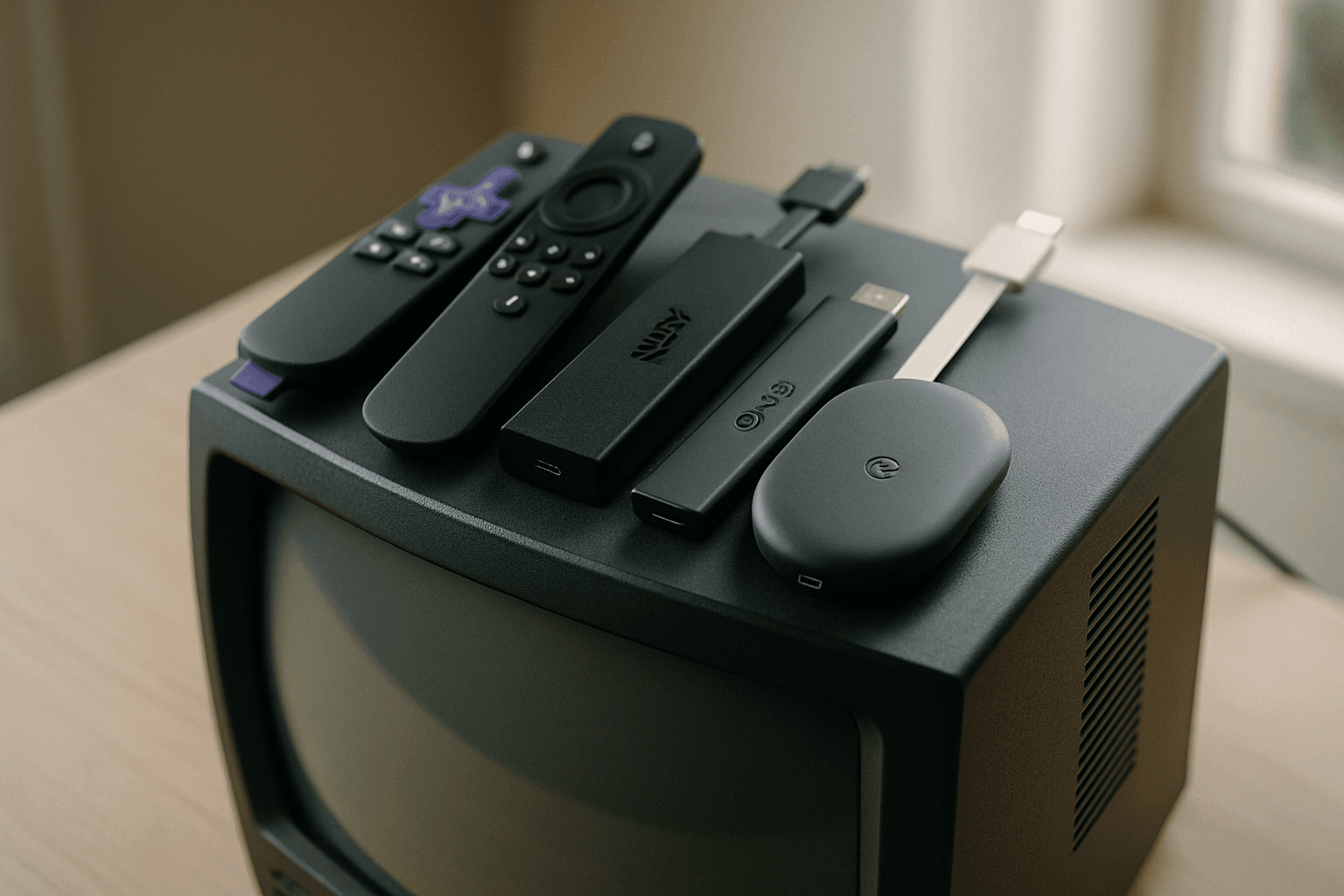
The most important decision is matching the streaming device to what your television can actually display. If your TV is 4K, get a 4K device so you can actually see the higher resolution plus HDR and Dolby Vision. If your TV is 1080p — common on older sets and secondary TVs — an HD stick like the Fire TV Stick HD saves money and looks identical on that screen, since the TV can't display 4K anyway.
Fire TV Stick HD: The True Budget Option
At $34.99, the updated streaming stick is faster, slimmer, and, for the first time, brings Alexa+ to the entry-level offering. The 2026 Fire TV Stick HD solves a real problem for older 1080p TVs and guest rooms. The biggest change in the new model is that it can be powered directly through your TV's USB port. Amazon says the new design no longer requires a separate wall adapter.
Besides design, the new Fire TV Stick HD will also deliver noticeable speed improvements over the previous HD models. It's 30% faster on average than the last-generation HD stick. That speed bump matters when you're dealing with an older TV that might already feel sluggish. Full Alexa+ access is included free with an Amazon Prime membership. Non-Prime customers can subscribe for $19.99 per month.
The main trade-off: if you are shopping for a main living-room device in 2026, buying an HD-only streamer makes less sense unless your TV is older.
Fire TV Stick 4K Select: Budget 4K Streaming
For older 4K TVs, the deal cuts the price from its $49.99 recommended retail price to $19.99, saving you $30. (Though pricing fluctuates frequently.) This is for the newest 2026 release, which includes upgrades such as a modern design and new recommendations from Alexa+. With this particular Fire Stick, you'll get support for 4K Ultra HD playback with HDR10+, so everything you watch will be in great quality.
You can stream content in 4K Ultra HD with HDR10+ and enjoy Wi-Fi 6 connectivity. That will provide better network performance than older streaming devices with slower connections.
Roku: The Simplicity Choice
Roku streaming players start at a very affordable $29.99, making it an appealing option if you want to upgrade without having to replace your existing TV. However, pricing has shifted recently. Roku has raised the U.S. list prices of its entire standalone streaming lineup, with the Roku Ultra increasing from $99.99 to $149.99 and the Streaming Stick 4K climbing from $49.99 to $79.99. You are paying more for the same streamer because the AI industry has apparently reached the television stand.
For better value, the Roku Streaming Stick Plus costs $40 after the price hike and has most of the same features as other Roku streaming dongles, except for 4K HDR streaming and a lower 512 MB of RAM.
If you want the simplest experience for a parent or grandparent, the Roku Streaming Stick 4K wins on interface clarity and single-remote simplicity. The home screen has the least promotional clutter of any major platform, which matters more than benchmark specs for non-technical users.
Google TV: The Value Specialist
Google's budget option comes from Walmart. For about $60, the newer Onn 4K Pro supports 4K video, Dolby Vision, Dolby Atmos, Wi-Fi 6, 32GB of storage, and 3GB of RAM. The redesigned remote gets backlit buttons and a finder feature, while built-in microphones let you use Gemini without first reaching for the remote.
Walmart's Onn 4K Pro continues to dominate the budget tier without feeling cheap. Performance is solid for everyday streaming, app loading is faster than expected for the price, and format support covers all major HDR standards.
For those willing to spend more, at 23% off its regular price of $99.99, Google's TV Streamer is the new lowest price it has been all year and just $2 above its all-time lowest price of $74.99. Both have 32GB of storage, support both Dolby Vision and HDR10+, run Android 14, have a remote finder, and a built-in Thread router for Matter devices. The Onn 4K Pro is more powerful, has Wi-Fi 6, and hands-free mics, while the Google TV Streamer has 1GB more RAM, Gigabit Ethernet, and tends to be the first model to get new Google TV features and software updates.
Older TVs Without HDMI
Most modern streaming devices use HDMI, which poses a problem for truly old sets. Many popular streaming devices require an HDMI connection, but some options can work with older TVs: the Roku Express+ comes with composite cables, making it compatible with older TVs without HDMI ports.
If your TV only has RCA (composite) inputs, you can use an adapter. The Dingsun HDMI to RCA Converter works best when you're connecting modern streaming devices—like a Fire TV Stick, Roku, Apple TV, or Blu-ray player—to an older television that only has RCA composite inputs. These adapters are inexpensive and widely available online.
The Bottom Line
A dedicated streaming device can give an older TV a new lease on life, or simply replace a smart TV interface that's slow, cluttered, or no longer getting useful updates. For 1080p TVs on the tightest budget, the Fire TV Stick HD at $35 is hard to beat. If your older TV supports 4K, the Fire TV Stick 4K Select or Roku Streaming Stick Plus offer solid performance under $50 with frequent sales. For those who want a clean interface without advertising clutter, Roku remains the most straightforward choice. And if you're already in the Google ecosystem, the Onn 4K Pro from Walmart delivers surprising value at $60.
All three platforms have thousands of apps, no monthly fees beyond your streaming subscriptions, and fast enough performance to make even an aging television feel new again.