
Descript vs Adobe Premiere Pro: AI Video Editing Software Comparison
The Core Difference: Text-Based vs. Timeline Editing
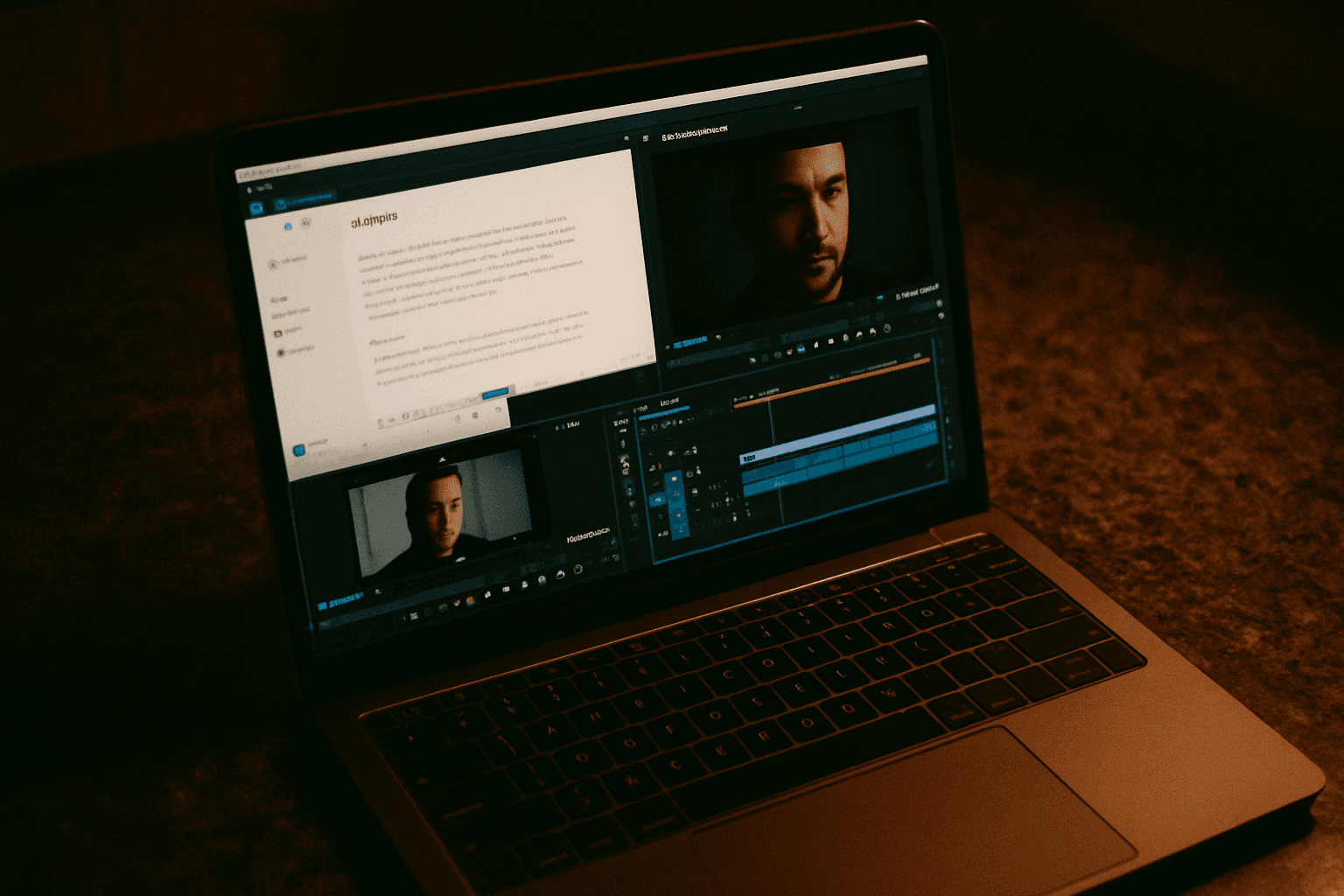
Descript replaces traditional timeline editing with a text-based workflow, where you edit video by editing the transcript instead of scrubbing through clips frame by frame. This isn't a minor interface difference—it changes everything about how you spend your editing time.
Descript treats your video like a document. You import footage and it transcribes everything automatically, then edit by deleting words, rearranging sentences, and removing filler—it feels like editing a Google Doc that outputs a video file.
Adobe Premiere Pro takes the opposite approach. Premiere Pro uses a traditional timeline where you drag clips onto tracks, split them with a razor tool, adjust keyframes, and layer effects manually, with granular control but a steep learning curve. Adobe Premiere Pro is adding generative AI tools to its arsenal, but these enhancements work within the timeline paradigm, not as a replacement for it.
AI-Powered Features: Who Has What
Descript's AI Toolkit
As of 2025, Descript offers features like automatic transcription (95% accuracy), filler word removal, Studio Sound for cleaner audio, and Eye Contact Correction for videos. The standout is Underlord, Descript's AI co-editor that performs tedious labor, and with one click identifies and removes filler words ("um," "uh," "you know") and silences, so in a 10-minute raw clip, Underlord can remove obvious filler and dead air very quickly.
You can ask Underlord to "Remove all retakes and tighten the pacing," and it will identify where the speaker messed up, delete the bad take, keep the good one, and shorten the silence between thoughts.
Adobe Premiere Pro's Generative AI
Generative Extend is an AI-powered tool in Adobe Premiere Pro that intelligently fills gaps and extends video footage while maintaining natural elements like lighting, motion, and texture, which is especially useful for repurposing footage across YouTube, Instagram, and TikTok. In 2025, Adobe Premiere Pro's Generative Fill feature leverages generative AI to intelligently fill gaps, remove objects, or even generate entirely new scenes—saving editors countless hours.
However, Adobe has added AI features like AI-assisted color matching and object masking via Adobe Sensei, but it doesn't have Descript's core text-based editing model or Overdub-style voice cloning, and Premiere's AI features enhance a traditional timeline workflow rather than replacing it with a transcript-editing approach.
Time Savings: The Real-World Difference
The speed advantage for talking-head and podcast content is measurable. For podcasts, interviews, talking-head videos, and educational content, Descript's text-based editing is 2-5x faster than timeline editing. Descript is significantly easier to learn, with most beginners able to edit their first video within 30 minutes.
A concrete example: A YouTube educational channel benchmarked identical edits on both platforms; Descript completed the pipeline in 5.2 hours versus Premiere Pro at 13.1 hours.
For Premiere Pro, Premiere Pro AI cuts rendering by 3x on average—Adobe's Scene Edit Detection and Auto Reframe can shave 45+ minutes off a 10-minute video project through automated pre-processing. The gains are real but concentrated in specific tasks (rendering, scene detection), not in the overall workflow.
Premiere Pro takes weeks to become comfortable with and months to become proficient, whereas Descript takes about 30 minutes to understand.
Learning Curve: Where New Editors Get Stuck
The learning curve for Premiere Pro is steep for beginners attempting to learn this video editing app on their own, with capabilities to assemble video, text, still images, and create transitions. The interface is dense with panels for effects, audio, colour, graphics, and source monitoring, and keyboard shortcuts are essential but there are hundreds of them.
Descript's barrier to entry is different. Despite eventual ease of use, users are struggling with initial adoption, with the learning curve hitting hard at first with complexity concerns and general learning challenges. But once over that initial hump, if you can use a word processor, you can edit a video in Descript.
Pricing: What You'll Actually Pay
As of April 2026, Descript's Creator plan is $24/month when billed annually or $35 month-to-month. Adobe Premiere Pro cost starts at $22.99 per month for individuals.
The entry-level math looks close, but context matters. Descript starts at $24/month vs. Premiere Pro at $54.99/month—for solo creators publishing 4+ videos per month, Descript's all-in-one package replaces editing, transcription, and screen recording subscriptions.
There's a complication on Descript's side: On 23 September 2025 Descript replaced its transcription-hour plans with the media-minutes plus AI-credits model and introduced top-ups, migrating existing users to Legacy and Sunset plans. Features that were previously unlimited—Studio Sound, Underlord, Overdub, and others—are now metered through an AI credit pool, and users who built workflows around unlimited AI feature use have found their effective costs increased meaningfully.
Adobe has similar metering concerns. Adobe cut the Single App allocation from 500 to 25 monthly credits on June 17, 2025, enough for roughly 2.5 seconds of Generative Extend at the 10-credits-per-second rate Adobe lists for video up to 1080p, and Adobe "has not specified how many credits the Generative Extend feature will eventually consume."
When Descript Actually Saves the Most Time
For podcasts, YouTube talking-head content, interviews, and marketing/training video, Descript's text-based editing workflow is genuinely faster to learn and faster to use than Premiere's timeline. Descript is ideal if you produce talking-head videos, podcasts, tutorials, interviews, or content where the spoken word carries the story, and you publish at least 2–4 videos per week and want to reclaim 10+ hours per week from your editing workflow.
The time savings compound when transcription accuracy works in your favor. AI transcription stands out as one of Descript's most practical features, delivering fast and accurate transcripts that save hours of manual effort, and with just a few clicks, you can remove filler words, correct mistakes, or even use the overdub feature to synthesize missed audio.
When Premiere Pro Wins on Time
Adobe Premiere Pro is the professional standard for a reason—multi-camera editing, deep color grading, VFX integration, and broadcast-level output that Descript simply isn't built for. Choose Premiere Pro if you produce cinematic content, ad creative, music videos, or projects requiring frame-level precision and multi-layer compositing, or if you work in a team that already uses the Adobe ecosystem (After Effects, Photoshop, Audition).
For those projects, switching between tools is a time killer. Premiere Pro offers a complete set of tools for video editing, including color grading, audio mixing, and visual effects, eliminating the need to switch between different software, and seamless integration with other Adobe Creative Cloud applications like After Effects and Photoshop streamlines workflows for tasks such as motion graphics and image editing.
The Hybrid Approach
A growing workflow treats Descript as a preprocessor. Professional editors use Descript for transcript-based rough cuts, audio cleanup, and filler word removal, then export to Premiere Pro or DaVinci Resolve for finishing. Many creators use Descript for rough cuts and dialogue editing, then export the timeline as an XML file to finish in Premiere Pro, which combines Descript's speed with Premiere's visual effects and grading tools.
This setup extracts the best of both worlds: Descript's transcript-based speed for the 80% of work that's talking-head editing, then Premiere's depth for final polish.
The Verdict: Which Saves More Time?
If your priority is speed and you edit talking-head content, Descript is the faster platform for $24/month. You'll gain 10+ hours per week on podcasts and interviews, and the learning curve alone frees up weeks compared to Premiere Pro.
But if your work involves color grading, multi-camera sequences, VFX, or complex compositing—or if you already own Adobe Creative Cloud—the specialized time savings in Premiere (rendering speed, scene detection, After Effects integration) add up across projects where Descript fundamentally doesn't fit.
For most solo creators publishing multiple times per week, Descript's speed is transformative. For professionals in broadcast or commercial production, Premiere Pro remains essential. And for anyone doing both? The hybrid workflow isn't a compromise—it's the fastest path to polished content.