
How to Choose a Gaming Mouse: DPI, Sensor & Grip Guide
Understanding DPI: What It Actually Means
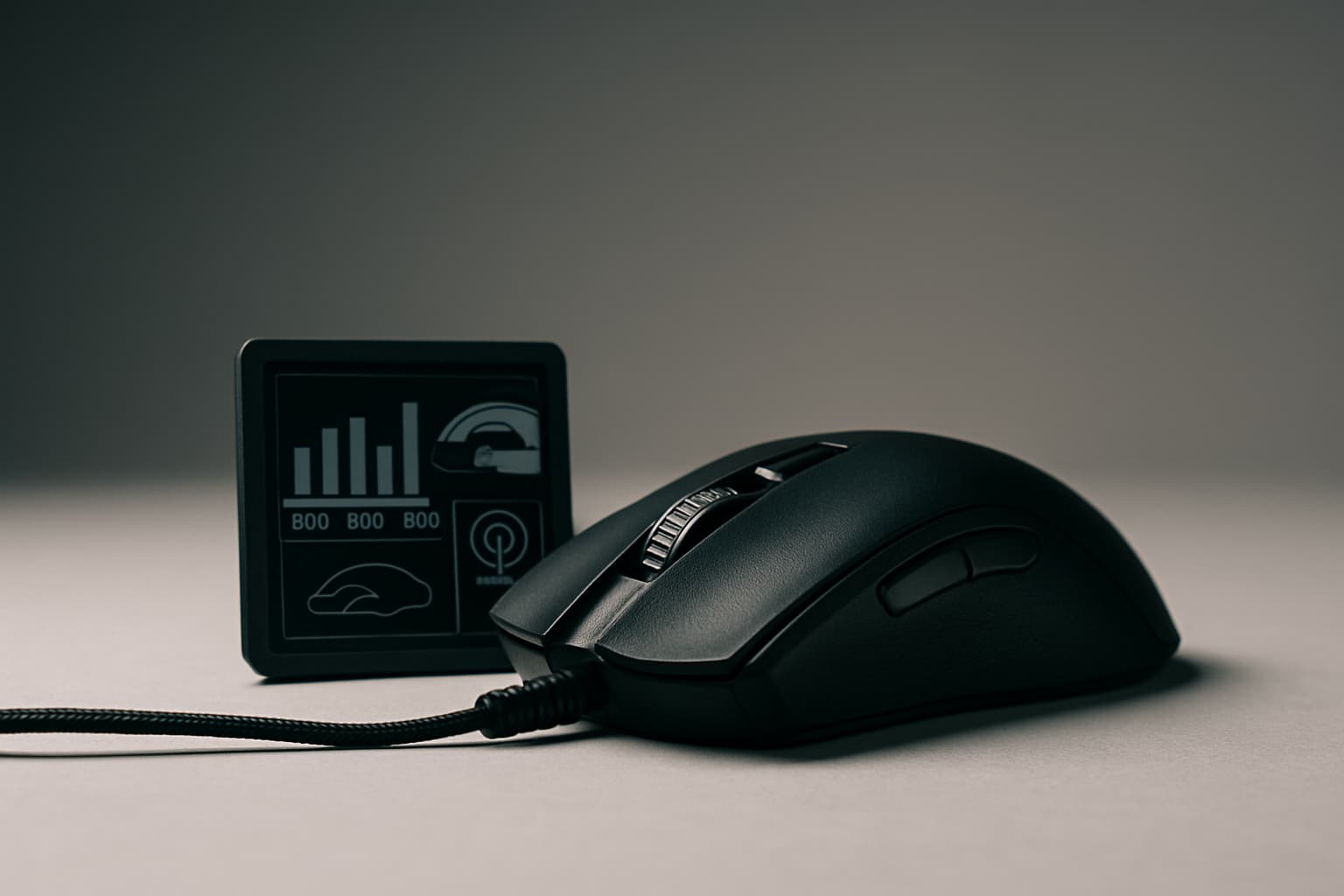
DPI measures how many pixels the cursor moves on your screen when you move the mouse by one inch on your desk. For example, at 800 DPI, moving the mouse one inch makes your cursor move 800 pixels.
Here's the critical part that most gamers get wrong: higher DPI doesn't translate to more accurate tracking. Your mouse continuously tracks its position about 500 to 1,000 times per second, but the DPI setting allows you to fine-tune how many of those tracked positions factor into your mouse control. Even at a lower DPI setting, your mouse retains all of that data and you won't lose any accuracy of where you are moving your hand.
Most professional gamers use a DPI setting between 400 and 800. The reason? Higher DPI just means the cursor travels farther per inch of hand movement, which makes precise aiming harder in FPS games. For aim, you want control. You want the same hand movement to create the same on-screen movement every time.
DPI vs. Sensitivity: Know the Difference
Don't confuse DPI with in-game sensitivity—they work together but control different things.
DPI is a hardware setting that determines how many pixels the sensor reports per inch of movement. In-game sensitivity is a multiplier each game applies on top of your DPI. Together they form your eDPI (DPI x in-game sensitivity), which is your actual cursor speed.
For example, 800 DPI x 0.5 in-game sensitivity = 400 eDPI. The key insight: you can achieve identical cursor speed with completely different DPI and sensitivity combinations. What matters for consistency is keeping your DPI fixed and only adjusting in-game sensitivity when switching games.
Choosing the Right Sensor Type
Modern gaming mice use two main sensor technologies: optical and laser.
Optical Sensors
Both optical and laser sensors are actually