
How to Choose Gaming Monitor Refresh Rate & Resolution
Understanding Refresh Rate: How Smooth Motion Matters
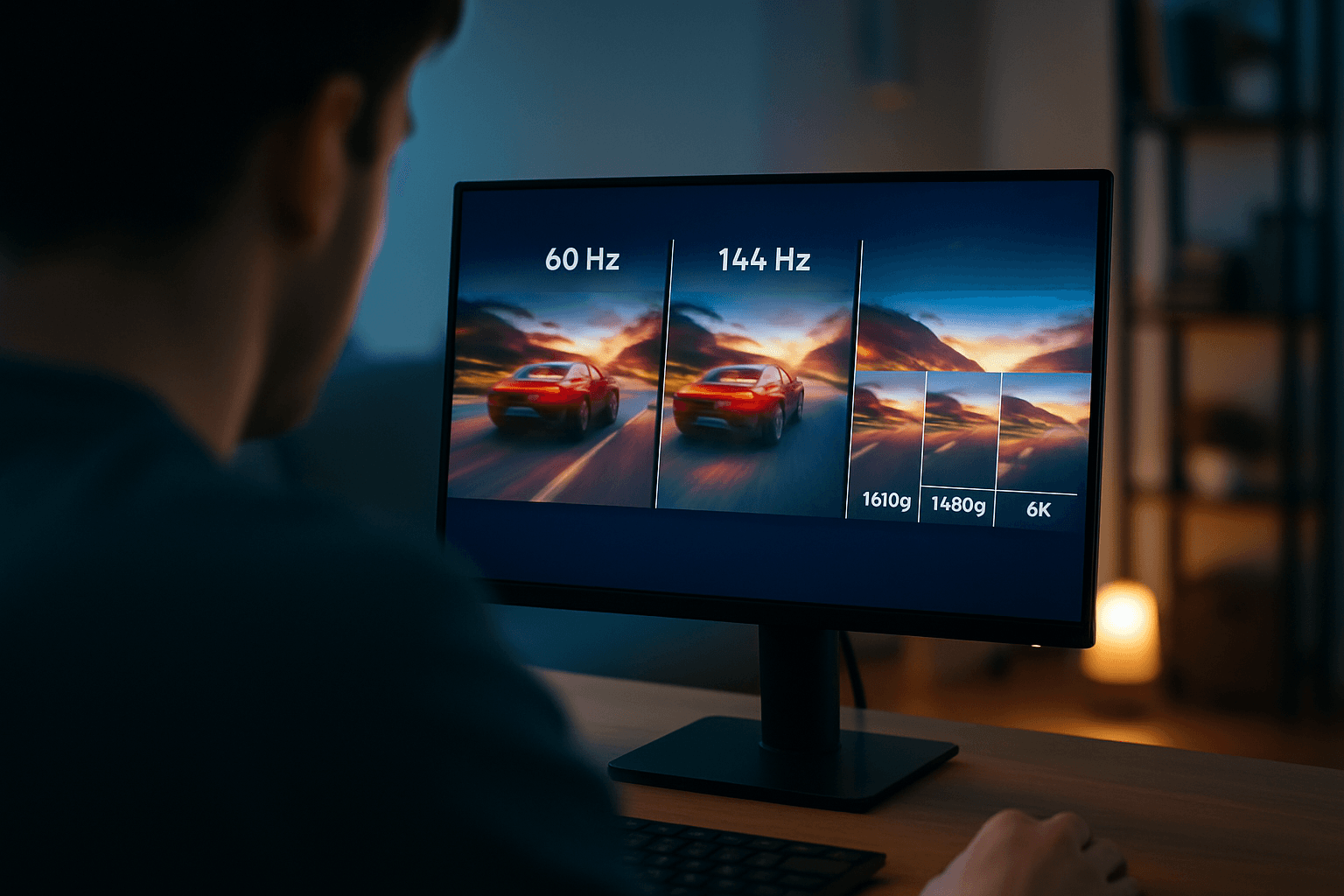
A monitor's refresh rate determines how many times a refresh occurs every second, and it's closely tied to frame rate (measured in frames per second or fps). Think of it as how many times per second your monitor can draw a new image on screen.
If your display has a refresh rate of 144Hz, it is refreshing the image 144 times per second. The difference between refresh rates is noticeable when you're gaming. A 60Hz monitor running at 60fps displays a new frame every 16.667 milliseconds, while a 120Hz monitor running at 120fps cuts this in half, with a new frame every 8.333 milliseconds.
A higher gaming refresh rate allows for smoother motion, reducing motion blur and making fast-paced games feel more fluid, which is significant in competitive genres like first-person shooters (FPS), racing games, and battle royales.
But here's a critical point: you can only utilize a monitor's refresh rate if the computer's hardware can generate enough frames per second (FPS). If you are playing a game at 120fps on a 60Hz monitor, your display is only able to show you half of the frames your GPU is producing. That's why matching your refresh rate to your hardware capability matters.
For competitive gamers, reduced input lag is one of the most significant advantages of a high gaming refresh rate, meaning actions like aiming, shooting, or maneuvering happen more in sync with what's on screen. A 144Hz or 240Hz monitor refreshes the image more frequently than a standard 60Hz display, giving players more up-to-date visual information.
Refresh Rate Tiers for Different Games
Gamers often opt for monitors with refresh rates of 120Hz or higher to enjoy a more immersive and fluid gaming experience. But your needs depend on your game library. Casual players can get away with 60Hz, while competitive esports players benefit significantly from 240Hz or higher. Most gamers find 144Hz to 165Hz a good sweet spot that doesn't require cutting-edge hardware.
Resolution: Balancing Detail and Performance
Monitor resolution determines how many pixels your GPU renders every frame. Resolution controls how many pixels your GPU must render every frame—a 1080p image uses 1920 x 1080 pixels, 1440p uses 2560 x 1440 pixels, and 4K uses 3840 x 2160 pixels. 4K renders about four times as many pixels per frame as 1080p.
Quad HD resolution at 2560×1440 pixels has emerged as the preferred choice for most gamers in 2026, offering an excellent balance between visual fidelity and performance. This makes sense: 1440p is the safest default recommendation for a new desktop gaming monitor, as it gives a meaningful sharpness upgrade over 1080p, fits the popular 27-inch size, and does not require the same GPU tier as 4K.
1080p: Budget-Friendly Speed
On a 24-inch monitor, 1080p can still look reasonable from a normal desk distance, while on a 27-inch screen, 1440p usually looks cleaner for text, HUD elements, distant enemies, and fine map detail. For competitive gamers who prioritize frame rate over eye candy, a 1080p 144Hz monitor can be more useful than a 4K 60Hz monitor for fast shooters because competitive gaming often prioritizes refresh rate over resolution, and clear motion and low perceived delay usually matter more than extra pixels.
1440p: The Sweet Spot
1440p strikes a clear balance between visual clarity and gaming performance, offering noticeably sharper images than 1080p, but without demanding the massive processing power required for 4K gaming.
4K: Maximum Detail, Maximum Demand
4K monitors deliver a resolution of 3840 × 2160—approximately 8.29 million pixels (4× more pixels than 1080p, 2.25× more than 1440p) and deliver the sharpest, most detailed images available in mainstream gaming hardware. However, 4K gaming at high frame rates demands the most powerful GPUs available, and in 2026, consistent 60Hz performance in demanding AAA titles at 4K requires upper-mid to high-end hardware.
The upshot: choosing between 1440p vs. 4K monitors comes down to balancing visual fidelity, performance, and cost. While 4K monitors are ideal for gamers who prioritize visual detail and have the hardware and budget to support it, 1440p monitors deliver a more balanced and accessible experience.
Panel Types: TN, IPS, and VA
The panel technology inside your monitor affects responsiveness, color quality, viewing angles, and contrast. Each has different strengths.
TN Panels: Speed First, Quality Second
TN panels achieve response times as low as 0.5ms—faster than any IPS or VA equivalent—and support refresh rates of 360Hz and beyond, making them the choice for competitive esports players who prioritize the absolute lowest input latency and highest refresh rate above all else.
The downside is significant. TN monitors have the worst color reproduction and narrow viewing angles (170° horizontally, 160° vertically), which causes the image to shift in color, contrast and brightness when it's looked at skewed angles, though the viewing angles aren't an issue as long as you're sitting in front of the monitor.
IPS Panels: Balanced Performance
IPS panels have become the dominant technology in the mid-to-high gaming monitor market in 2026, as IPS delivers the best combination of color accuracy, viewing angle consistency, and speed among LCD technologies.
IPS panels have a higher contrast ratio (superior blacks), high color accuracy (which leads to IPS panels also generally looking less "washed out"), and have very little color shift when changing the viewing angles. Modern improvements have also addressed a historical weakness: nowadays, most IPS monitors have just as fast pixel response time speed as TN panels (~1ms).
One caveat: the main downside of IPS monitors is 'IPS glow'—if you're watching particularly dark content in a dark room, you will notice light 'glowing' around the corners of the screen, caused by excess light passing through the panel.
VA Panels: Contrast King
VA panels occupy a specific niche: the best contrast ratio among LCD technologies. While IPS and TN panels typically achieve contrast ratios of 1,000:1, VA panels routinely hit 3,000:1 to 6,000:1—producing visibly deeper blacks and richer shadow detail.
VA panels provide a good middle ground with better-than-IPS refresh rates and contrast levels, but have worse viewing angles and color production, although generally still better than TN. Response times are VA's largest downfall, being slower than IPS and TN.
Response Time: Beyond the Headline Spec
Response time measures how quickly a monitor's pixels can transition from one color to another, typically expressed in milliseconds (ms). The specification most commonly cited is Gray-to-Gray (GtG) response time, which indicates how long it takes for a pixel to shift from one shade of gray to another, and this measurement directly impacts motion clarity during gaming.
A longer response time results in a visual artifact called "ghosting"—when you can see the remains of trails from a moving object on a screen as pixels take too long to switch between shades of gray.
The practical targets: if you primarily play single-player or casual games, a response time of 5ms or lower should be sufficient for a smooth gaming experience. For those who play fast-paced, competitive games, a response time of 1ms to 2ms is recommended to ensure minimal motion blur and ghosting.
Adaptive Sync: Eliminating Tearing and Stuttering
Adaptive Sync technology dynamically adjusts a monitor's refresh rate to match the GPU's frame rate output. This synchronization eliminates screen tearing and stuttering, improves overall visual quality, and smooths gameplay.
The most popular implementations of Adaptive Syncing are NVIDIA's G-Sync and AMD's FreeSync, which use the VESA Adaptive Syncing protocol but differ in cost, compatibility, and implementation.
The good news for buyers: in 2026, NVIDIA GPUs support Adaptive-Sync, meaning FreeSync monitors work with NVIDIA cards via the G-Sync Compatible pathway. This eliminates the old restriction where you had to match your monitor to your GPU brand. Most modern gaming monitors support at least one form of adaptive sync, and many support both.
Making Your Final Decision
Your ideal monitor depends on three things: how you game, what hardware you have, and your budget. Competitive players should prioritize refresh rate and response time over resolution. Resolution choice should align with screen size for optimal pixel density, and for competitive gaming, 24-26 inch displays at 1080p or 1440p provide the best field of view without requiring excessive eye movement.
For immersive single-player games and cinematic experiences, resolution and panel quality matter more. IPS panels offer the best all-around balance today—fast enough for gaming, accurate enough for other work, with good viewing angles and increasingly deep blacks.
The monitor you choose will shape your gaming experience far more than any single component stat. Take time to understand what each specification actually does, match it to your hardware, and you'll land on a monitor you'll enjoy for years.