
How to Spot and Avoid Fake VPN Apps and Scams
The Real Damage Fake VPNs Cause
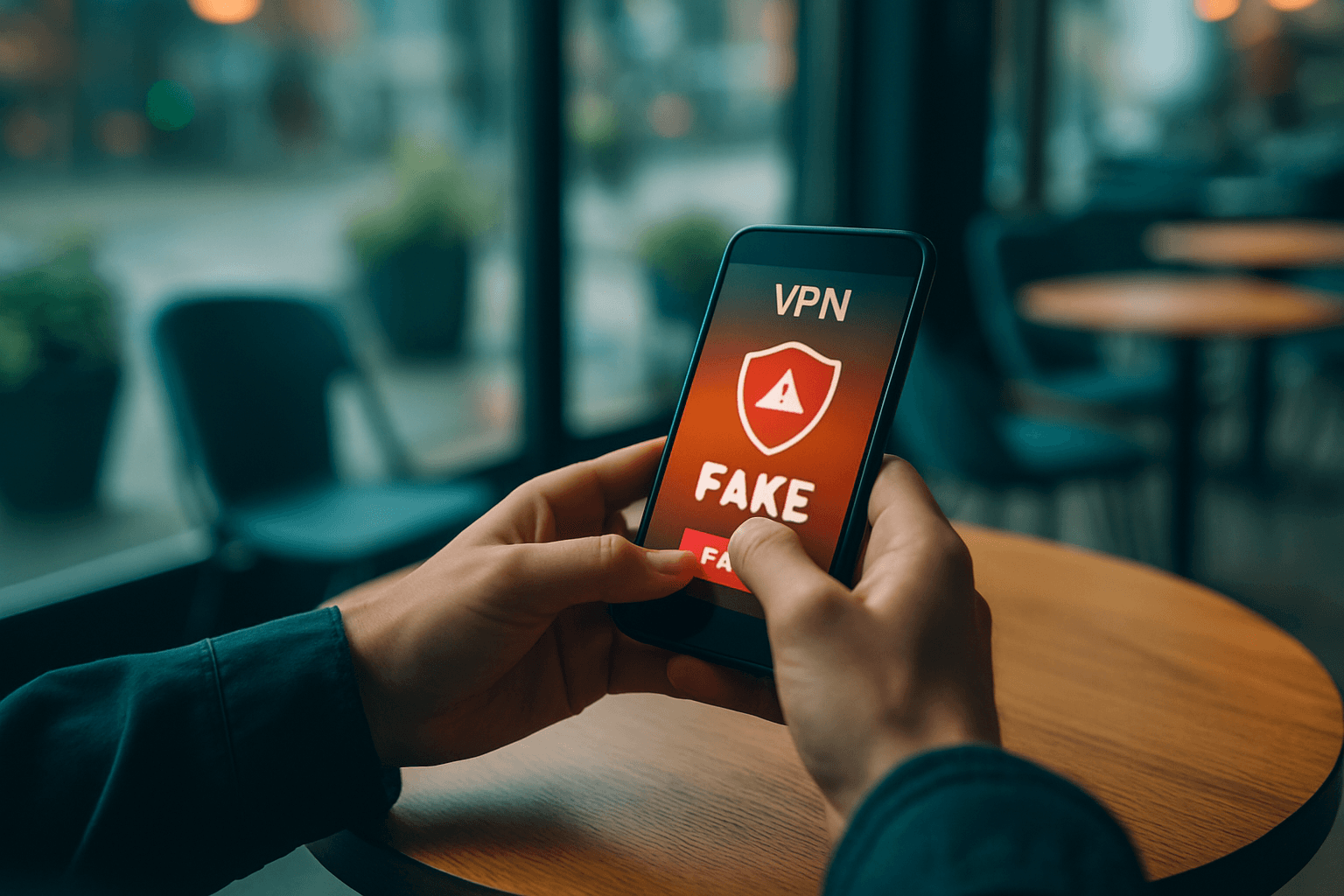
The danger goes far beyond simple inconvenience. Rather than protecting your data, malicious VPN applications can steal your passwords, banking information, personal messages, and even turn your device into part of a botnet. In May 2024, law enforcement dismantled a botnet known as 911 S5, and several free VPN services (MaskVPN, DewVPN, PaladinVPN, ProxyGate, ShieldVPN, and ShineVPN) were used to create this botnet. Users who installed these VPN apps had their devices transformed into proxy servers channeling someone else's traffic, and this malicious network spanned 19 million unique IP addresses across over 190 countries worldwide, making it possibly the largest botnet ever created.
The threat is growing rapidly. In the third quarter of 2024, security researchers found that the number of users encountering fake VPN apps jumped 2½ times compared to the second quarter globally, with these apps being either malware or programs that could be used by malicious actors.
Beyond botnets, a staggering 85% of mobile VPN apps available on US app stores contain trackers designed to collect and share your data, including your unique device IDs, device models, network types, and mobile carrier data.
Red Flags to Watch Before Downloading
Spotting a fake VPN requires examining several warning signs. Fake VPN apps are notorious for displaying vague policies in their apps or on their websites, and most phony VPN apps use copy-pasted policy templates without bothering to adapt them to their service.
Vague or Missing Privacy Policies: Reputable VPN providers clearly publish their privacy policies, outlining the service's operations, the data they collect, and how they protect that data and user privacy. Fake VPNs may have vague, copied, or entirely missing policies, making it difficult to understand how your data is handled.
Suspicious App Permissions: A VPN should only request authorizations necessary to provide its service. Be cautious if an app asks for unnecessary access to contacts, SMS messages, your microphone, your camera, or other unrelated device functions. If a VPN asks to access your photos, contacts, or SMS, it is a red flag.
Unknown Developer Identity: Fake VPNs are often distributed through third-party app stores, download links, or sideloaded APK files rather than official platforms. Scammers can copy the name or logo of legitimate services to trick users into downloading dangerous apps, so always double-check the developer's name before you install anything.
Sketchy Distribution Channels: Download VPN apps only from the official Google Play Store and avoid links from ads, emails, social media posts, or unknown websites.
The Free VPN Trap
The strongest selling point of fake VPNs is that they are usually offered for free. While some legitimate providers offer limited free tiers, unlimited free VPNs raise legitimate concerns. VPN networks cost money to run, and you should always check how the service is funded and what data it collects.
To avoid your data being sold, it's a good idea to go for a paid VPN over a free VPN, as free services have to make money in some way. Unfortunately, some do this through selling your browsing data or even personal information from your account profile to third parties.
How to Verify a VPN Before Installing
Check Company Transparency: More transparent providers usually identify the organization that operates the service and provide verifiable company or contact details. See where the VPN is based and who runs it. If you can't find any real information or it's owned by a company with a shady track record, think twice.
Look for Third-Party Audits: Trustworthy VPNs often get their no-logs policies verified by third-party auditing firms, which is a strong green flag. Many companies publish vague statements like "we protect your privacy" without any third-party validation. An independent VPN audit is a technical security assessment conducted by external cybersecurity professionals who have no financial incentive to give a positive result. According to recent industry reports, fewer than 40% of VPN providers undergo genuine independent security audits, yet nearly 90% claim privacy protection as their core feature.
Review Independently: Skip the Top 10 sites that exist mostly to push sponsored links, and look for feedback on Reddit, trusted tech blogs, or independent review platforms. Real reviews sound human and describe specific experiences.
Test Developer Credentials: Test the developer's contact channels before subscribing by sending a quick email to verify that support responsiveness and account deletion mechanisms actually exist.
Check the Official Website First: Fake or look-alike domains are a common tactic used by scammers to distribute malware or harvest credentials. Before installing, search the company independently in your browser, and if the app store listing doesn't match the official website — something's wrong.
Google Play's Verification Badge
The landscape is improving slightly. Google is taking steps to combat fake VPNs and has announced that its Play Store will verify VPNs that prioritize privacy and safety. You no longer have to dig into the app's security details to find out whether it was reputable—this can now be done in one quick glance thanks to the new "verified" badge.
To become verified, VPN apps are required to:
- Undertake a Mobile Application Security Assessment (MASA) Level 2
- Have at least 10,000 installs and 250 reviews
- Have been published on Google Play for at least 90 days
- Submit a Data Safety declaration detailing how user data is collected
- Opt-in to independent security reviews
If You've Already Installed a Suspicious VPN
If you suspect or know that you've used a fake or malicious VPN, you should disconnect and uninstall it right away. You may want to:
- Run a full virus scan to identify and remove any malware
- Update your passwords across all accounts
- Enable two-factor or multi-factor authentication (2FA or MFA) for online accounts
- Monitor your accounts for suspicious activity
Key Takeaway
Fake VPNs are apps that masquerade as legitimate services, usually replicating genuine apps, which makes it harder for regular users to identify them. Taking time to verify a VPN's legitimacy before installation—by checking its privacy policy, developer credentials, third-party audits, and independent reviews—can save you from significant privacy breaches and security risks. Your internet traffic is too valuable to trust to an unknown app with a polished interface and empty promises.