
Mesh WiFi System for Smart Home Devices: Setup & Comparison Guide
Why Mesh WiFi Is Essential for Smart Homes
The average U.S. home connects over 20 devices to its network today, and that number keeps climbing as smart home adoption grows. A mesh WiFi system is one of the best upgrades you can make to improve your home's internet coverage, especially if you've ever struggled with dead zones, buffering or dropped video calls.
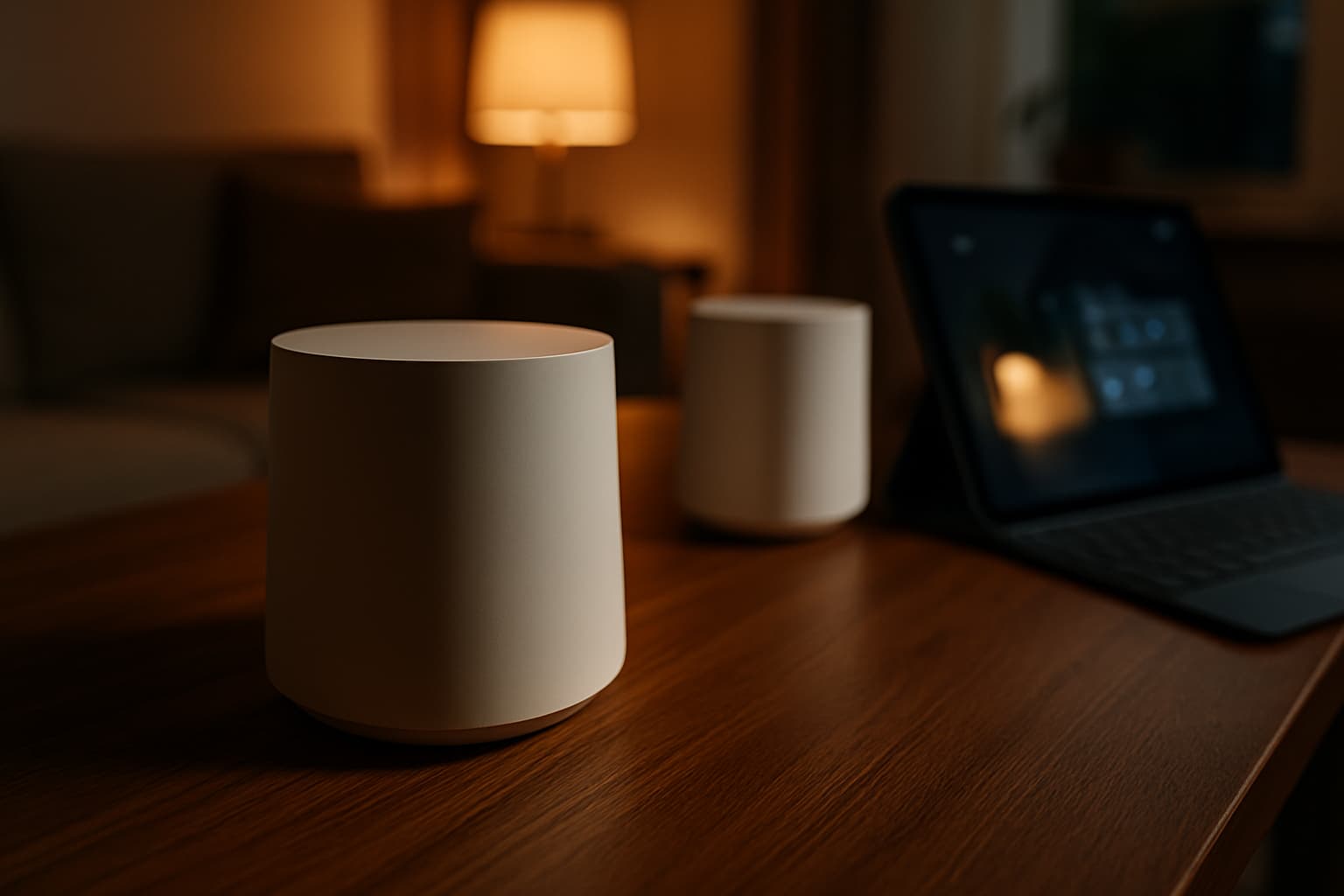
Unlike a traditional single router, a mesh WiFi system for smart home devices uses multiple nodes to help eliminate dead zones and provide seamless connectivity across larger or multistory homes. A mesh system forms the backbone of your connected home, ensuring your devices stay responsive, synchronized, and online 24/7.
Mesh WiFi vs. Traditional Routers: Key Differences
Coverage and Performance
The most obvious advantage lies in coverage. Mesh systems use a combination of a mesh router that connects to one or more satellites or nodes to produce WiFi from each unit. This allows the system to expand WiFi coverage throughout your home, without negatively impacting WiFi performance.
Traditional routers rely on a single access point, causing the signal to weaken over distance and through walls. In contrast, three-node mesh setups can blanket 5,000–7,000 sq ft, creating overlapping 30-foot radius cells that eliminate dead zones. Signal mapping shows mesh networks achieve 90% consistency from basement to attic, while traditional routers drop to 45% at the periphery when passing through load-bearing walls.
Device Capacity
This is where mesh systems truly shine. Modern mesh systems can seamlessly support 150+ devices, distributing the load across nodes. Traditional routers typically handle about 50 devices before experiencing contention and slowdowns. If you have a smart home with dozens of IoT devices, mesh is the clear winner.
Cost Considerations
A quality mesh system (3-pack) runs $300–$700, while a premium single router costs $150–$500. For small apartments under 1200 sq ft, a single router is more cost-effective. For larger homes or multi-story buildings, mesh is worth the investment.
WiFi Standards: 6E vs. WiFi 7
Choosing the right WiFi standard matters for long-term performance. WiFi 7 is a major upgrade from earlier WiFi standards—up to 2x faster than WiFi 6E and 4x faster than WiFi 6 under ideal conditions.
WiFi 7 features 320 MHz channels, which are "super-wide lanes" for data. WiFi 7 can move information about twice as fast as WiFi 6E, which is noticeable if you have gigabit fiber or lots of devices streaming and gaming at once. Additionally, Multi-Link Operation (MLO) lets devices use multiple bands simultaneously, cutting latency by 50–75% and virtually eliminating dropped connections in congested homes.
However, not everyone needs WiFi 7. WiFi 6E is still excellent in 2026 if you're under 1 Gbps internet and have fewer than 20 active devices. The price gap between WiFi 6E and WiFi 7 mesh systems has narrowed to $50 to $150 in many cases, and WiFi 7 gives you 5+ years of future-proofing as phones, laptops, and smart devices adopt the new standard.
Top Mesh Systems for Smart Homes
When selecting a mesh system, prioritize device support, smart home features, and coverage. The Eero Pro 6E handles 100+ devices without breaking a sweat, the app is the simplest to configure of any mesh system, and it includes a built-in Zigbee radio and Thread border router. That last feature means your Eero can directly communicate with Thread and Zigbee devices without a separate hub, which simplifies your smart home infrastructure significantly.
For larger homes or heavy device loads, the NETGEAR Orbi 970 is designed for homes with many sensors, cameras, and smart appliances, preventing network congestion and dead zones. Google Nest WiFi Pro's 6GHz band gives modern IoT devices more breathing room for households already integrated with Google's ecosystem.
If the Eero Pro 6E is over budget, the TP-Link Deco XE75 delivers 90% of the performance at 60% of the price. It features tri-band WiFi 6E with dedicated backhaul, support for 150+ devices, and a clean app experience.
Smart Home Integration: Thread and Matter Support
Matter-over-Thread is designed for connecting low-power, low-data-rate applications together in a mesh network. Thread is the low power mesh network, and Matter is the application standard that rides on top of it, so most new Matter devices reach your network through Thread.
Eero, Amazon's mesh WiFi network company, supports Matter. Its routers have built-in Thread radios, which can be upgraded to support Matter. This integration makes setup simpler and allows your mesh router to serve as the bridge between Thread devices and your WiFi network.
A dedicated IoT band feature enables easy separation of your smart devices under one band. This network segmentation keeps smart home devices organized and reduces interference with your primary devices.
Step-by-Step Installation Guide
Before You Begin
You'll need: your mesh system (unboxed), your existing modem (cable, fiber ONT, or DSL), an ethernet cable (usually included), and a smartphone with the manufacturer's app installed.
Before you start your mesh WiFi setup, remember that mesh node location is key for delivering faster speeds for your WiFi devices. Ensure you have a working internet connection, a good internet service provider (ISP), and a compatible modem. The next step is to locate WiFi dead zones in your home where you want the wireless router signal to reach.
Step 1: Prepare Your Network
Before introducing your mesh system, properly shut down your existing network to avoid conflicts. Unplug your current router but leave your modem connected and powered on.
Step 2: Position the Primary Node
Connect the primary (main) mesh node to your modem with an ethernet cable. This node should be near your modem, but ideally in a central location. If your modem is in a corner of the house, consider running a longer ethernet cable to position the primary node more centrally. Power it on and wait 2–3 minutes for it to boot.
Place the main router in a central location for even coverage. Keep it away from thick walls, metal objects, and electronic devices that may interfere with WiFi signals. Positioning the router on a shelf or table can improve signal distribution.
Step 3: Set Up via the App
Open the manufacturer's app (Eero app, TP-Link Deco app, NETGEAR Orbi app, etc.) and create an account if you don't have one. The app will detect your primary node via Bluetooth. Follow the prompts to name your network and set a password.
Create your WiFi network name (SSID). Make sure to choose something recognizable for easy connection. Create a strong, secure password. For optimal security, use a mix of letters, numbers, and symbols.
Step 4: Place Satellite Nodes
Satellite nodes should be placed halfway between the primary node and the area you want to cover—not in the dead zone itself. Each node needs to maintain a strong connection to at least one other node.
As a general rule, place nodes 30–50 feet apart in open spaces, or 20–30 feet apart when dealing with walls and obstacles. Do not place nodes in enclosed cabinets or near microwaves. Nodes plugged into wall outlets work fine—they do not need to sit on a flat surface.
In the app, tap "add node" and power on the first satellite in the same room as the main node so it pairs quickly. Once paired, move it to its working position: roughly halfway between the main node and the dead zone, never inside the dead zone itself.
Step 5: Finalize Configuration
After all nodes are online: disable the old router's WiFi (if you are keeping it as a modem bridge) to avoid interference. In the mesh app, enable: automatic band steering (devices auto-connect to the best band), roaming (seamless handoff between nodes), and guest network if needed.
Allow each node to update firmware during setup; this takes 2–5 minutes per node.
Step 6: Test Coverage
Sync the nodes and test the network. Walk around your home with a device to ensure you're getting solid coverage everywhere.
Final Thoughts
A mesh WiFi system transforms how your smart home functions. By eliminating dead zones, supporting dozens of devices simultaneously, and integrating with modern smart home standards like Thread and Matter, the right mesh network becomes the foundation of a reliable, responsive home automation setup. Whether you're starting with an entry-level WiFi 6E system or investing in cutting-edge WiFi 7 technology, your choice should align with your home's size, device count, and internet speeds—but the performance gains over a traditional router are undeniable.