
Mesh WiFi vs Router: Which Is Right for Your Home?
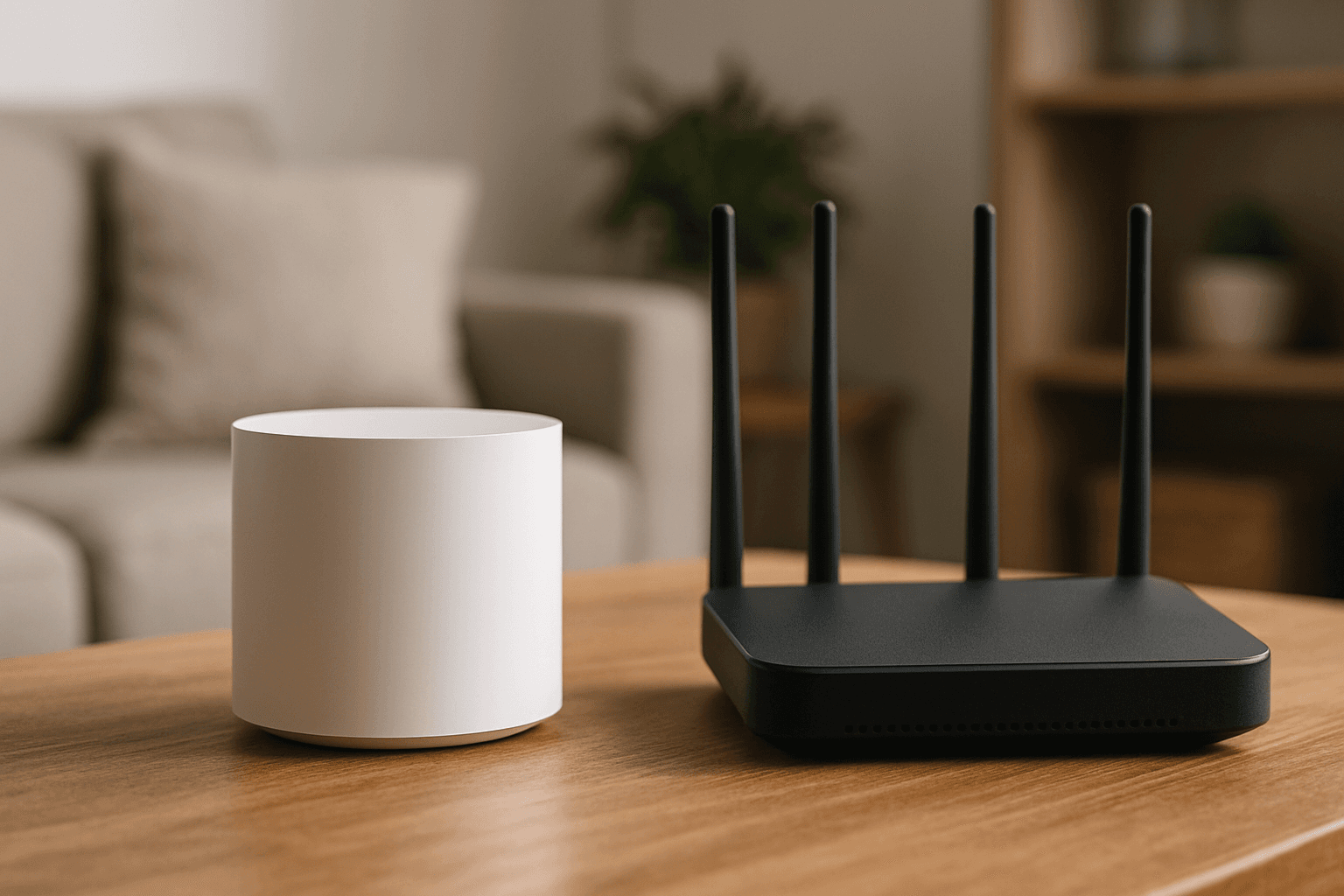
If your Wi-Fi drops when you walk to the far bedroom, or a video call stutters the moment you leave the office, you've hit the limits of your current setup. The fix usually comes down to one decision: a traditional router or a mesh Wi-Fi system. They solve the same problem — getting internet to your devices — in fundamentally different ways. Here's how to tell which one fits your home.
The Core Difference
A traditional router does everything from one box. A traditional wireless router broadcasts from a single point, which limits range and performance as distance increases, and single-router configurations suffer from signal degradation and reduced bandwidth when transmitting through walls, floors, or over long distances. That's fine if every device sits reasonably close. It's a problem the moment walls and distance get involved.
A mesh system spreads the work across several units. A mesh router uses multiple router-like devices, called nodes, to create a mesh networking system that delivers internet access across your entire network. Unlike a traditional wireless router, which broadcasts from a single antenna, mesh routers spread coverage through interconnected nodes that reduce weak spots and signal drops. You place the main node at your modem and drop additional nodes wherever coverage is weak. Mesh is the newer approach — mesh routers came on the scene around 2015, and with them came a different kind of setup that relied on multiple devices.
Coverage: How Much Ground Each Covers
This is the biggest practical difference. A single router's reach is limited by physics. Most standard routers operating on the 2.4 GHz band have an indoor range of about 150 feet (45 meters) without obstructions, and for outdoor use or open spaces, this can extend up to around 300 feet (90 meters). The faster band gives you less room to work with — routers using the faster but shorter-range 5 GHz band typically cover around 50 feet (15 meters) indoors. Those numbers assume open air; real walls cut them down fast.
Mesh systems are built to cover far more. Typically, a mesh Wi-Fi network can provide a signal covering 2,000 to 5,500 square feet. A rough sizing guide helps here:
- Under 1,500 sq ft (apartments and small homes): a single mid-range to high-end router is usually enough.
- From 1,500 to 3,000 sq ft: a two-node mesh system will cover most layouts comfortably.
- At 3,000 to 5,000+ sq ft: a three-node mesh system (or more) is the most reliable option.
Square footage isn't the whole story, though. Layout matters just as much. Multiple floors make dead zones worse, since Wi-Fi signals weaken significantly when traveling between stories, especially through concrete or plaster subfloors, and older homes with plaster-and-lath walls, brick, or concrete block absorb much more signal than modern drywall. A long or L-shaped floor plan where the router sits at one end has the same effect. If any of those describe your home, mesh can make sense even below the square-footage thresholds above.
Roaming and Reliability
Here's a subtle advantage that people underrate: how your phone or laptop moves through the house. A mesh network behaves as one continuous network. Unlike range extenders, mesh systems use a single network name, and your devices roam seamlessly between nodes without dropping the connection. You don't manually switch networks as you walk around — it just hands you off.
Mesh systems also route around trouble. Nodes automatically reroute data if one connection point goes down, ensuring consistent internet. And many keep speeds up by reserving a communication lane between units. Many mesh systems use a dedicated wireless channel just for communication between nodes (called a backhaul), so your speeds stay consistent. Higher-end systems go further — mesh routers can also support Ethernet backhaul to maximize bandwidth and maintain reliable speeds across every part of the network.
This is also why mesh beats a cheap Wi-Fi extender for whole-home coverage. Range extenders cut your available bandwidth roughly in half because the extender uses one channel to receive the signal and the same channel to rebroadcast it. Extenders often require manual switching to a separate network name, but mesh nodes offer seamless roaming under one SSID.
Raw Speed and Gaming
Coverage isn't everything. If your gear sits close to the router, a single high-end router can actually be the faster choice. Mesh delivers more consistent speeds across larger spaces, but a single high-end router can outperform mesh at close range. For latency-sensitive use, the gap is measurable: a router technically has lower latency at close range (8ms vs 12–15ms). That's because each mesh hop adds a little delay — each wireless hop between nodes introduces 2–5ms of additional delay.
But that advantage evaporates once distance is involved. When you're gaming from a bedroom two floors up, the router's latency spikes to 25–35ms with unpredictable jitter. The practical takeaway for gamers: if your gaming system is confined to a single room or even close to the router, a high-speed gaming router could be good enough. Spread across a big house with multiple gaming devices, mesh's consistency wins.
Setup and Management
Mesh systems are generally designed to be friendly. App-managed mesh hardware like eero offers easy setup, automatic updates, and built-in parental controls. The companion app also helps with the finicky part — extenders need precise manual placement to catch signals, whereas mesh systems use app guides for optimal node setup.
One caution if you keep your ISP's equipment: you don't want two devices both trying to run the network. The cleanest setup is to have only one device acting as the router — one DHCP server, one NAT layer, one firewall path, and one set of port-forwarding rules. Problems start when an ISP gateway is routing and your new mesh system is also routing; this is called double NAT. Putting the ISP box into bridge/passthrough mode usually solves it.
Cost
Mesh generally costs more, and you pay for coverage. A set of two to three nodes ranges from about $130 to $350, with speed and features dictating price. You can also start with a single node, but the price still starts higher than a traditional router—usually around $80.
Traditional routers span a wider, often cheaper range. When comparing routers with similar specs, traditional models range from about $60 to $350; on average, expect to pay $80 for a decent basic model and $250 to $300 for a high-end model. Traditional routers often drop lower in price when on sale—you can sometimes find basic ones for as cheap as $35.
There's one more line item worth checking: your monthly bill. Over several years, ISP rental fees may cost more than buying your own hardware. Buying your own gear can pay for itself, though the tradeoff is that support becomes your responsibility. Also note the newest standard carries a premium — entry and midrange Wi-Fi 7 routers have become more affordable, while high-end Wi-Fi 7 mesh systems still command a premium.
The Bottom Line
The choice really comes down to your space. Choose a traditional router for affordable, single-point coverage in small spaces, or a mesh router to eliminate large-home dead zones using multiple nodes.
Go with a traditional router if you're in an apartment or a smaller single-floor home, you're on a tighter budget, or your most demanding devices sit close to the router and you want the lowest possible latency.
Go with mesh Wi-Fi if your home is large, spread out, or multi-story, if thick walls and odd layouts create dead zones, or if you want your devices to roam the whole house on one network without a hiccup. As one plain rule of thumb, if your home is over 2,000 sq ft, has multiple floors, or you're constantly fighting slow rooms, mesh is the investment that pays off — and either way, choosing between a mesh router and a traditional router ultimately depends on your household's size, budget, and connectivity demands, and your decision should align with these factors to ensure the best internet experience in your home.