
Plex vs Jellyfin: Best Free Media Server Software 2025
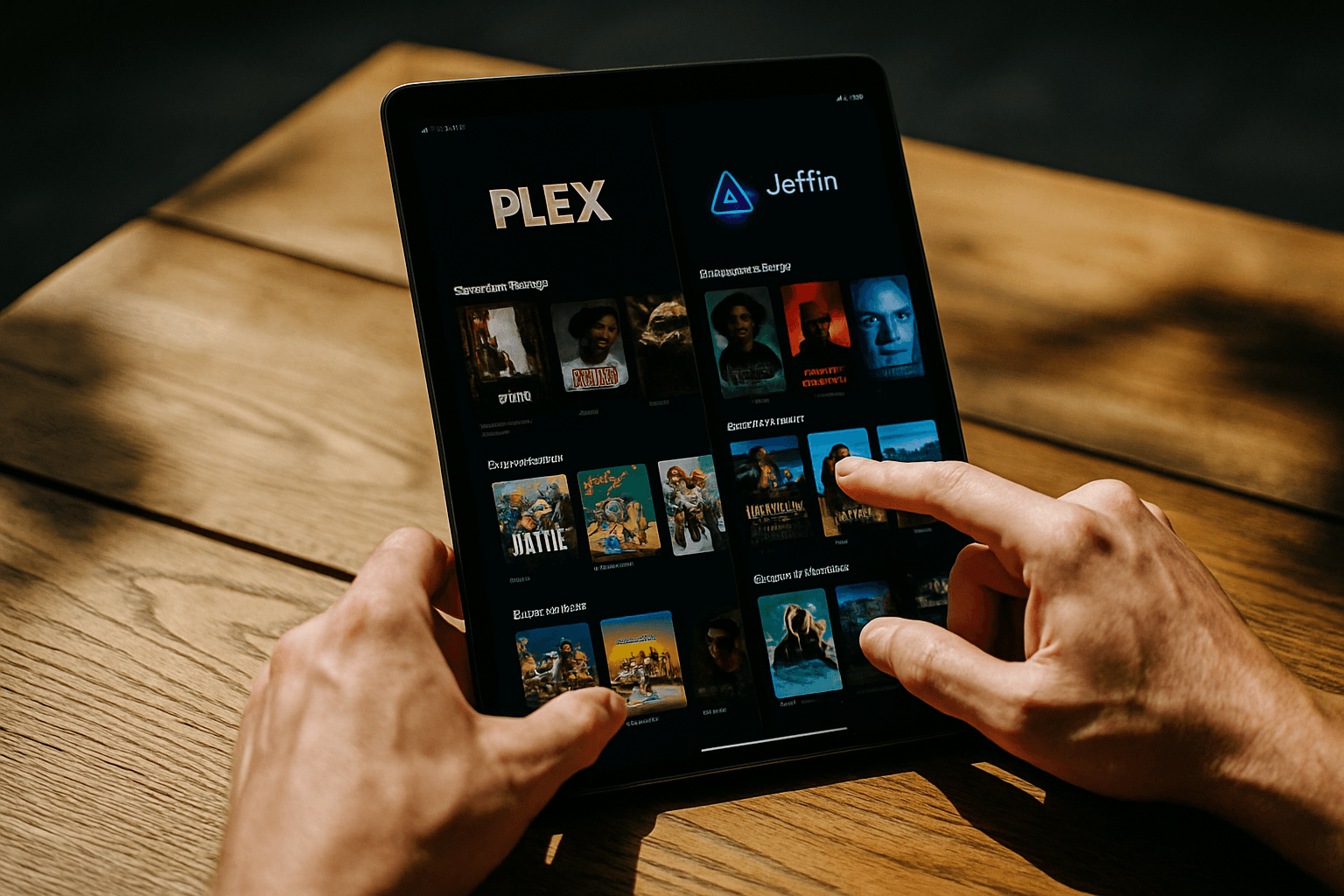
What Each Platform Does
Plex's basic functionality is completely free, which includes local playback of personal content from your Plex Media Server, as well as ad-supported on-demand and Live TV. However, Plex will no longer offer remote playback as a free feature as of April 29, 2025.
Jellyfin is a free, open-source media server you self-host to stream your own movies, TV, and music library, forked from Emby in 2018 after Emby moved toward a closed, paid model. Unlike Plex, Jellyfin is 100% free and open-source under the GPL-2.0 license with no premium features, no subscription tiers, and no paid add-ons, with every feature—including hardware transcoding, SyncPlay, live TV, and all plugins—available at no cost.
The Major Pricing Shift
This is where the two platforms have gone in completely different directions. Plex has spent the last year and a half raising prices and moving core functionality behind subscriptions, while Jellyfin remains completely free and open-source.
Specifically, major updates came to Plex's pricing and remote access features on April 29, 2025, with remote playback no longer free and requiring Plex Pass or Remote Watch Pass. Remote Watch Pass is available for an introductory price of $1.99/month or $19.99/year, though Plex Pass locks hardware transcoding, offline sync, and several other features behind a $120 lifetime or $5/month subscription.
While both Plex and Jellyfin are free to download, only Jellyfin offers all of its features completely free of charge with no hidden costs or premium requirements.
Local vs. Remote Streaming
For streaming on the same local network as your server, video streaming of personal content on the same local network as the Plex Media Server is available for free. Jellyfin offers the same at no cost.
The difference emerges with remote access. For current Plex Pass holders, remote playback will continue to be available without interruption, and when running your own Plex Media Server as a subscriber, other users to whom you have granted access can also stream from the server without any additional charge. For new users or those without Plex Pass, the optional Remote Watch Pass subscription allows the account owner to stream personal content remotely from any Plex Media Server.
Jellyfin handles remote streaming differently: since Jellyfin is entirely self-hosted, you must manually expose it to the internet, requiring a method to access the HTTP(S) ports remotely. There's no additional cost, but it requires more technical setup than Plex's automatic remote access.
Privacy and Control
Plex requires a plex.tv account and routes auth through their cloud servers, while Jellyfin is a single Docker container with no external dependencies, requiring no account creation, claim tokens, or phoning home.
Jellyfin is the cleanest privacy-respecting alternative to Plex with no vendor account, no cloud dependency, and nothing phoning home. Unlike Plex, Jellyfin requires no account, no cloud subscription, and sends no data externally.
However, Jellyfin is open-source and does not require a hosted Jellyfin account, but metadata providers, subtitle services, plugin repositories, and plugins can make outbound requests when enabled or configured, so review those features according to your privacy requirements instead of treating self-hosting as a guarantee that no external service is contacted.
User Interface and Ease of Use
Plex's client apps and server UI are highly polished and designed for non-technical users, with setup being wizard-driven so you can have streaming up in minutes. Plex also overhauled its UI in 2024, giving it a much more modern look.
Jellyfin's interface is functional and has matured substantially with Samsung Tizen and LG webOS clients arriving in 2026 closing big gaps, but it prioritizes a clean, no-frills experience and exposes more server settings to admins rather than hiding them behind a streamlined wizard. Jellyfin's user interface isn't as slick as Plex's; mostly a sign of Jellyfin's open-source, volunteer-based nature versus more money behind Plex.
Client App Support
As the more established player, Plex has the edge regarding client support across PC, mobile, TV, game consoles, and other platforms. If your family uses Rokus, Fire Sticks, and smart TVs, Plex's app ecosystem is more reliable; if everyone uses phones, tablets, and browsers, Jellyfin is fine.
That said, the gap isn't as big as it used to be, with Jellyfin now having official clients that span virtually all major TV platforms.
Transcoding and Performance
Both platforms support hardware transcoding, but with different restrictions. In Plex, hardware transcoding is a Plex Pass feature that costs money, but it's worth it if you have remote users.
In real-world tests both servers play virtually all mainstream audio/video formats and with modern Intel or NVIDIA hardware both can saturate a 4K HDR pipeline, with Jellyfin's hardware transcoding and HDR/tone-mapping having improved and now matching Plex throughput once correctly configured.
Who Should Choose Which?
Pick Plex if you want the most polished mobile and TV apps, you have non-technical users sharing the server, or you rely on hardware-accelerated transcoding without configuring anything.
Pick Jellyfin if you want zero account dependency, full control over your data, no third-party metadata middleman, or you object to closed-source software on principle.
Jellyfin is better for users who prioritize privacy, open-source software, and no subscription costs. Plex can be worth it if you value ease of use, automatic remote access, and integrated content, but long-term costs can exceed hardware investment.
Verdict
If you value convenience and don't mind paying for remote access and advanced features, Plex still delivers a polished experience. But if you prioritize complete control, privacy, and zero subscription costs, Jellyfin is the clear winner—especially with installation taking 10–20 minutes depending on your platform. The choice ultimately depends on whether you prefer a commercial service with premium polish or an open-source solution that puts you in complete control of your media library.