
Smart Switch: Complete Guide to Home Lighting Control
How Smart Switches Work
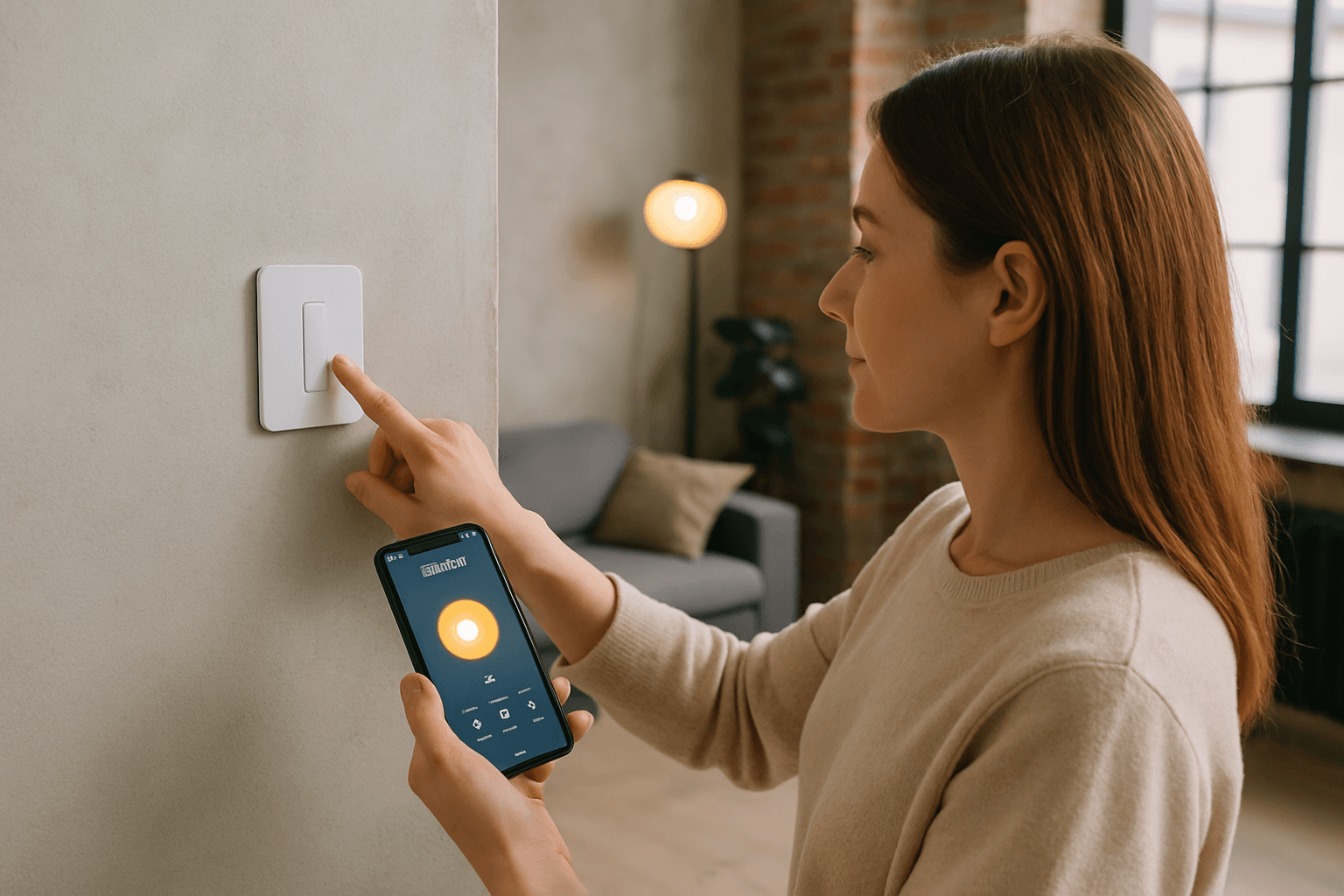
A smart switch is an advanced version of a traditional light switch that allows for remote control and automation of lighting and other connected devices via a smartphone app, voice assistant, or home automation system. By replacing standard wall switches, smart switches offer greater convenience, energy efficiency, and customization options for home lighting.
Smart switches connect to a home's Wi-Fi network and can be programmed to turn lights on or off at specific times, dim lights, or integrate with other smart home devices for enhanced functionality. Inside the switch module, an electronic relay handles power flow, opening or closing the circuit based on received commands. Unlike traditional switches that only work when you physically touch them, smart switches need to be powered at all times to enable remote control, scheduling, and integration with voice assistants like Alexa and Google Home.
Key Benefits of Smart Switches
Energy Efficiency
Smart switches reduce energy consumption by automating lights and appliances, allowing you to schedule on/off times, control them remotely, and use sensors to adjust usage based on occupancy or daylight. Research shows that 57% of Americans report that having smart products in their homes saves them about 30 minutes per day, which adds up to roughly 182.5 hours a year.
Remote Control and Automation
Smart switches can be controlled at any time and from anywhere, as long as there is a WiFi connection. If a homeowner is out for the day or traveling, lights or appliances can be turned off to save on energy. Using a common smart home app, you can set up useful routines (at this time... do this) and rules (If ..., then ...).
Enhanced Home Security
By programming lights to turn on and off at specific times, especially when you're away, you create the illusion of occupancy, deterring potential intruders. Some smart switches can be connected to home alarm and security systems for greater security when homeowners are away. Many video doorbells can be linked to smart light switches and cameras and motion sensors for added security.
Communication Protocols
Smart switches use different wireless technologies to communicate with your network and devices:
WiFi
The smart home switch market has evolved dramatically by 2026, with neutral-wire designs becoming standard for enhanced reliability and safety. Anti-glare touch panels now dominate premium models, 2.4GHz Wi-Fi remains essential for stable connectivity, and the industry has standardized around neutral-wire requirements for consistent performance—eliminating the flickering issues that plagued earlier generations.
Zigbee and Z-Wave
Zigbee and Z-Wave are low-energy, low-bandwidth wireless mesh networking protocols used for smart home devices like light bulbs, smart plugs, switches, thermostats, and other devices. Zigbee is essentially a mesh network that allows smart devices to communicate with each other at a maximum range of 60 feet. Z-Wave, on the other hand, is a proprietary wireless connection protocol often used for devices located at large distances from each other. Devices using this protocol can communicate over distances of up to 500 feet, essentially forming a mesh network.
Many homes use Zigbee for quick reaction tasks and Z-Wave for stable, infrastructure-level controls such as hard-wired switches.
The Neutral Wire Requirement
One of the most important considerations when installing a smart switch is whether your home has a neutral wire.
Smart switches require a neutral wire to function properly, unlike regular light switches. A neutral wire completes the circuit by providing a return path for the current to flow back to the electrical panel, allowing the switch to function properly.
If your house was built after the mid-1980s, you probably have a neutral wire in your switches, but it's not guaranteed. If your house was built prior to that and the wiring wasn't recently updated, it probably doesn't—which rules out most smart switches.
No-Neutral Alternatives
If your home lacks a neutral wire, options exist but come with trade-offs. Lutron Caseta switches use a proprietary protocol and require a Lutron Smart Bridge, but are designed to work without a neutral wire and are highly reliable. No-neutral smart switches contain active microprocessors that require continuous power to maintain wireless network connectivity. They stay energized by trickling a minute leakage current (2 to 10 milliamperes) down the Switched Load wire, through the light fixture, and back to the electrical panel via the fixture's neutral line.
However, modern LED bulbs have low wattage requirements and high sensitivity. This means the small bleed current can sometimes cause them to flicker or glow faintly, a phenomenon known as ghosting.
Voice Assistant Compatibility
Smart switches support voice control through Alexa, Google Assistant, and Siri when connected to WiFi and a compatible app. Lutron Caseta works with all three major voice control platforms: Amazon Alexa, Google Assistant, and Apple's Siri (HomeKit). It's also compatible with many other smart devices and platforms like Samsung SmartThings and IFTTT.
Make sure the switch supports the voice assistant you actually use, whether that is Alexa, Google Home, or both. Voice commands stop working without internet, but manual control of smart switches remains functional.
Top Smart Switch Brands
Leviton and Lutron are among the most recognized in residential and commercial settings due to their broad product ranges and consistent performance. Even with the added expense of a hub, Lutron Caseta is the best smart switch for most people thanks to its handy buttons. Other popular options include Geeni, Kasa, Wemo, Meross, and Leviton.
For hub-based systems, Leviton and Enbrighten provide reliable Zigbee and Z-Wave dimmers with advanced customization. Hubless options like TP-Link Kasa and Meross deliver Wi-Fi connectivity and easy setup without extra devices.
Common Installation Mistakes to Avoid
Getting a smart switch right requires attention to several details:
- Ignoring neutral wire requirements
- Overloading WiFi networks
- Building weak Zigbee meshes
- Misunderstanding Matter capabilities
- Neglecting wall box depth
- Overlooking floor heating compatibility
Confusing line and load wires and forgetting to connect the neutral wire when the switch requires one are frequent errors. A smart switch may power on, but lights won't respond if the wiring is wrong.
LEDs with drivers can behave very differently from incandescent lamps, and fans or motors add inductive characteristics that some smart controls do not like. If the circuit has recently been upgraded to LED, assume compatibility is unproven until you test it. LED flicker, shimmer, or a faint glow when off usually points to leakage current, an incompatible driver, or a minimum-load issue.
Connectivity Challenges
In residential testing in Europe, multi-room consumer-grade home implementations have shown noticeable latency once 35–50 active WiFi devices connect through the same consumer router. The most common reason for connection errors to the smart switch is due to poor WiFi signal strength.
Connectivity issues may disrupt their functionality. If your internet is down, control is lost.
Selecting the Right Smart Switch for Your Home
Before purchasing, ask yourself these questions:
- Do I have a neutral wire? Check your switch box or consult an electrician before buying.
- What protocol do I need? WiFi switches offer simplicity but require good signal. Zigbee and Z-Wave create mesh networks but need a hub.
- Which voice assistants do I use? Confirm compatibility with Alexa, Google Home, or Siri before buying.
- Do I need dimming? Basic on/off switches cost less than dimmers.
- What's my budget? Z-Wave devices typically cost more than equivalent Zigbee hardware. A Z-Wave in-wall dimmer runs $30–60; a comparable Zigbee dimmer runs $15–35.
Look for a brand that supports your existing voice assistant, works without a hub, and includes core features like scheduling and remote control without a monthly subscription.
When to Call a Professional
Most smart switches require a neutral wire, which older homes may not have at the switch box. Many homes built before the 1980s may lack a neutral or ground wire, and older electrical boxes may not have the depth needed for the larger body of a smart switch. If you're uncertain about your electrical wiring or lack experience with electrical work, hire a licensed electrician to ensure safe installation and avoid costly mistakes.
Smart switches transform your home's lighting into a controllable, efficient system—but only when chosen and installed correctly. Take time to understand your home's wiring, your needs, and the available options before making your purchase.