
VPN Kill Switch: How It Works & Why Testing Matters
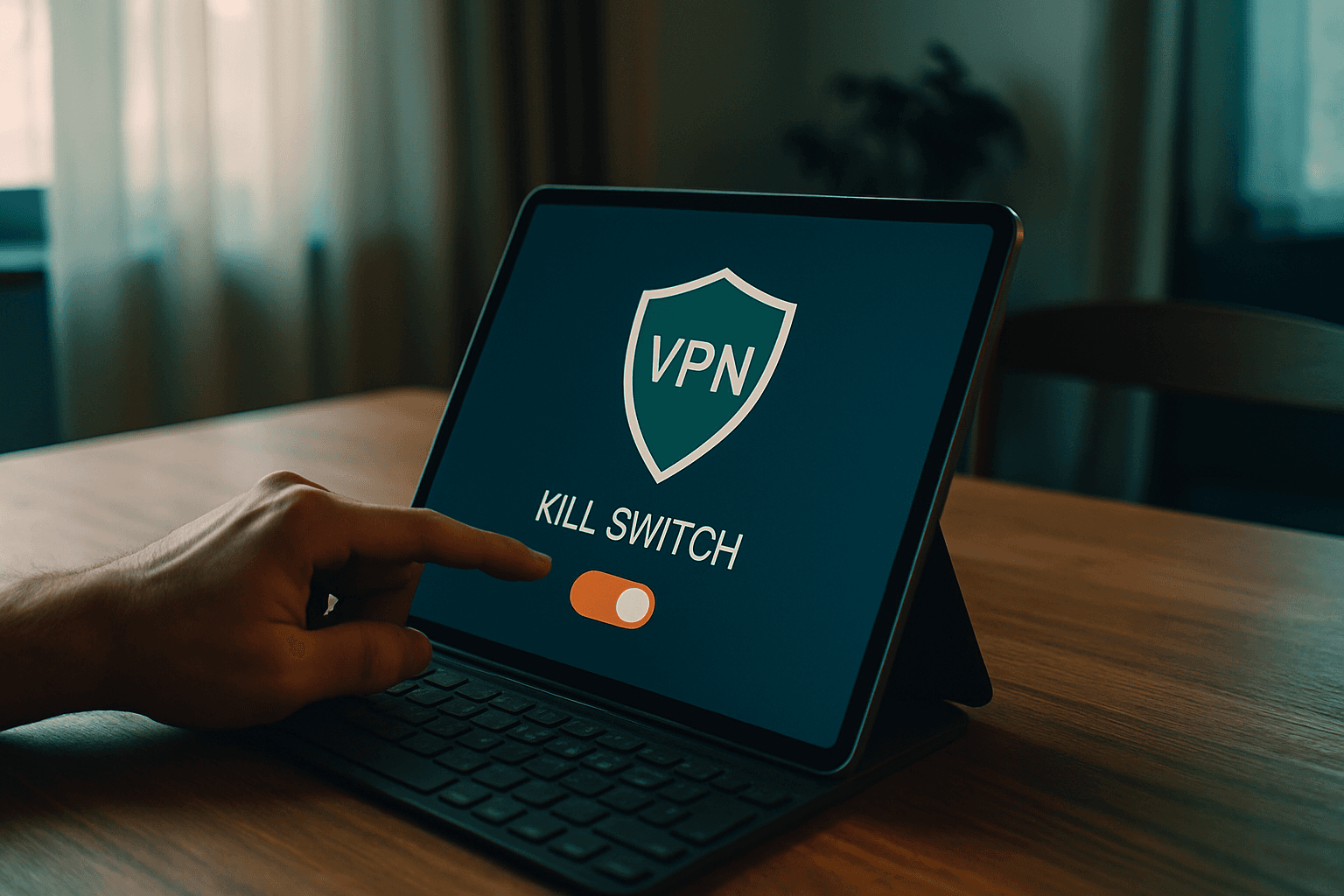
What Is a VPN Kill Switch?
When your VPN connection drops—even for a split second—your privacy drops with it. If your VPN disconnects due to a weak WiFi signal or network interruption, your IP address and online activity become visible to the websites you're using as well as your internet service provider (ISP).
A VPN kill switch is a security feature that automatically blocks your internet connection if the VPN unexpectedly disconnects. This prevents your real IP address and other sensitive data from being exposed while you're online.
But here's the critical part: just enabling a kill switch doesn't guarantee it works. Plenty of VPN services have buggy implementations that fail during real disconnections. You need to actually test it to verify protection.
How a VPN Kill Switch Works
A VPN kill switch continuously monitors your connection to your VPN server by scanning for changes in status or IP address. The moment something goes wrong, the feature springs into action through a four-step process:
- Monitoring: Your VPN kill switch constantly monitors your connection to the VPN server in real-time, checking your network status and watching for any changes.
- Detecting: The kill switch instantly detects any problems that could prevent your VPN from working properly—server timeout, network switch, software crash—the moment they occur.
- Blocking: When it catches a problem, it immediately blocks all internet traffic from leaving your device until the VPN connection is restored.
- Reconnecting: Once your VPN connection is restored, the kill switch deactivates and allows your internet connection to reestablish.
Most of the time, this whole process happens in seconds. You might not even notice anything beyond a brief loading pause.
System-Level vs. Application-Level Kill Switches
Not all kill switches work the same way. There are two primary types of VPN kill switches, each with distinct tradeoffs:
System-Level Kill Switches
System-level kill switches provide maximum protection by shutting down your entire device's internet connection when the VPN drops. Nothing—browsers, email, chat apps, background updates—can access the internet until the VPN reconnects.
The tradeoff is disruption. A system-level kill switch is more secure than an application-level kill switch, but it can lead to frequent interruptions while browsing if you have a spotty internet connection.
Application-Level Kill Switches
Application-level kill switches offer flexibility by not shutting down your entire internet connection. Instead, they terminate only specific apps to prevent them from sending data. For example, you might choose to protect your torrent client and browser but allow Spotify to work normally if the VPN drops.
However, this flexibility comes with risk. Application-level kill switches leave gaps in protection. Background processes or apps you forgot to add stay unprotected, and the approach depends on the VPN app remaining running and responsive. If the VPN app crashes, is killed by the OS's memory manager, or is slow to detect the dropout, traffic can leak during the gap.
Why Enable a Kill Switch?
While many providers offer a kill switch, it isn't always enabled by default, so you need to turn it on manually in your VPN app's settings.
The stakes are real. If your VPN connection drops for even a second, your IP address and online activity become visible to websites you're using as well as your internet service provider. Without a kill switch, a dropped connection instantly reveals your true IP, letting websites log your location and advertisers target you. It also prevents DNS leaks that reveal the sites you visit.
How to Test Your Kill Switch
Having a kill switch enabled is meaningless if it doesn't actually work. Just because it's enabled in settings does not guarantee it is actually functioning. It needs to be tested.
The Basic Test
Follow these steps for proper kill switch testing:
- Check your current IP address with an IP checker and note it down
- Connect to your VPN and verify your IP changed to the VPN server's location
- Open multiple browser tabs and start actively browsing websites
- Without closing browsers, manually disconnect your VPN or block it in your firewall
- Try loading new pages or refreshing existing ones—they should ALL fail immediately
- Reload your IP checker—if it loads and shows your real IP, your kill switch FAILED
- Reconnect your VPN and verify internet access restores automatically
The key insight: If any website loaded during step 5, your kill switch isn't working properly. This means your real IP address and unencrypted data leaked the moment your VPN dropped.
Testing During Server Switches
A more thorough test happens during routine VPN use. Connect to your VPN, then (if your app allows it) try switching to another location while watching a page refresher. Most apps close your first connection, then begin establishing the next. If the kill switch works, it should kick in as soon as the first connection closes.
The page refresher should jump from your VPN IP and location to 'no internet' or similar errors during the reconnection, then switch straight to the new VPN IP. But if the kill switch isn't fully protecting you, there's a chance you'll see your real IP and location after the first VPN connection closes. This may only be for a few seconds, but it still indicates the kill switch isn't properly doing its job.
Mobile Testing
Mobile devices require a slightly different approach. Test the kill switch by toggling airplane mode on for three seconds and then back off while watching an IP check page. A properly functioning mobile VPN should show no IP during airplane mode and return to the VPN IP—not your cellular IP—once connectivity is restored.
The Bottom Line
For anyone relying on a VPN for privacy or security, a kill switch is an essential safeguard against accidental data leaks. But as with any security tool, you shouldn't assume it works just because you enabled it. The verification process takes two minutes and could save you from massive privacy breaches.
Spend the few minutes to test your kill switch today. You'll either gain confidence in your protection or discover a critical vulnerability before it causes real harm.