
What Is Business Process Automation: A Guide for Small Businesses
Understanding Business Process Automation
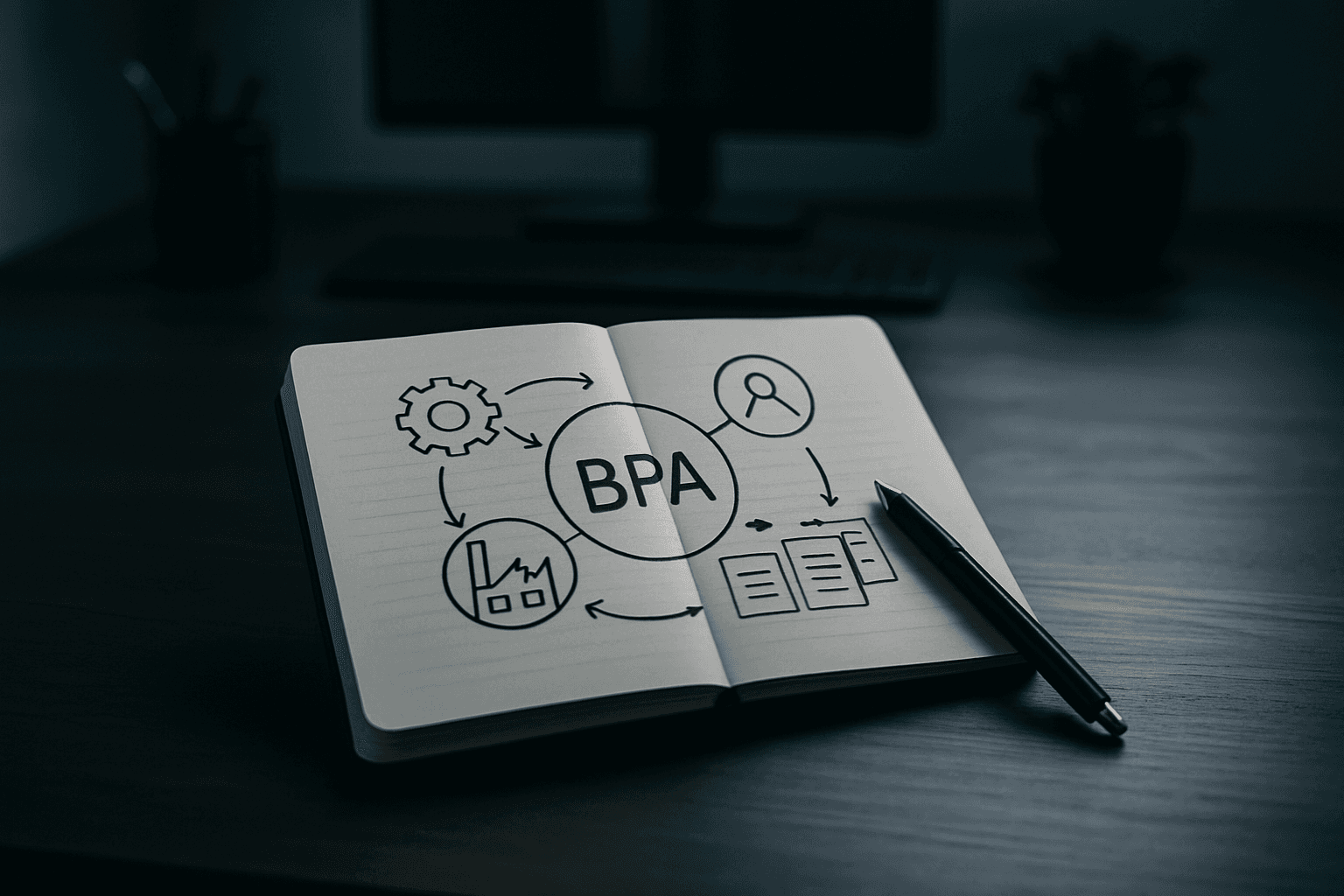
Business process automation is the use of software to automate repeatable, multi-step business transactions. Think of it not as a single tool, but as a strategy to eliminate the manual steps that eat up your team's time.
A business process is an activity, or set of activities, used to accomplish a specific organizational goal, such as producing a product, assimilating new employees and bringing on new customers. For example, in employee onboarding, the HR system could trigger a set of predefined workflow steps to send out a welcome email, configure security credentials and set up financial details in the compensation system.
The key difference is scope. Business process automation replaces repetitive, manual, multi-step work (approvals, data entry, document generation) with digital workflows that run end-to-end across systems and departments. This distinguishes BPA from task-level automation—it's about orchestrating entire workflows, not just automating individual actions.
Why Small Businesses Need BPA Now
The pressure on small business owners to do more with less is real. 43% of small business owners reported to Workday that automation is their top priority right now. This isn't hype. Around 60% of companies already use automation tools in their workflows, according to Duke University.
The benefits are measurable. Businesses report a 15-20% cost reduction in automated processes, and digital document processing reduces handling time by 30-50%. 88% of small business owners feel that automation allows them to compete effectively with enterprise-type companies.
Automating a business process can free time and resources, allowing employees to focus on core work rather than tedious, repetitive, and often frustrating tasks. For small businesses operating on thin margins, this shift from busywork to high-value activities is transformative.
Small businesses can scale up marketing campaigns and customer service operations during peak seasons without needing to hire additional staff, ensuring timely handling of customer inquiries and orders.
BPA vs. RPA: What's the Difference?
Small business owners often encounter both terms, and the distinction matters for choosing the right tool.
BPA focuses on entire business processes, while RPA uses robots to complete specific repetitive tasks, such as data entry or file transfers. While BPA offers a broad, strategic approach to automating complex business processes, RPA provides a focused, tactical solution for automating routine, repetitive tasks—where BPA reimagines and restructures entire workflows, RPA optimizes individual elements within those workflows.
For most small businesses, the good news is that you don't need to choose. Many businesses combine RPA with BPA to build stronger automated solutions that connect multiple systems for better results.
Essential Tools for Small Business Automation
Not every tool works for every business. Here's what actually matters:
Zapier (Integration Hub)
Zapier is one of the easiest starting points for workflow automation for small businesses because it connects thousands of everyday business tools, supporting no-code automation across 9,000+ apps. Use Zapier when tools need to talk to each other.
The practical appeal is straightforward: You can use Zapier to connect tools like your CRM, form builder, email platform, accounting software, calendar, spreadsheet, project management tool, and helpdesk. The catch: It can become messy if nobody owns the system—a few simple Zaps are easy to manage, but dozens of unnamed workflows across multiple apps can become difficult to troubleshoot.
HubSpot (Customer Lifecycle Automation)
HubSpot is an all-in-one CRM platform designed to unify marketing, sales, service, and operations, offering a powerful way to manage the entire customer lifecycle from a single source of truth. Use HubSpot when marketing and customer lifecycle automation matter.
The platform enables businesses to automate everything from email marketing sequences and lead nurturing workflows to sales pipeline management and customer service ticketing. HubSpot is ideal for startups needing automated email marketing, lead nurturing, and sales tracking.
Airtable (Flexible Operations Hub)
For small businesses, Airtable serves as a flexible, no-code platform to build custom applications for operations, content workflows, inventory management, and even lightweight CRMs. Use Airtable when you need a flexible internal system.
The platform includes built-in Automations to handle tasks directly within a base, like sending a notification when a project status changes or creating a record from a form submission. Airtable is best for teams focusing less on marketing and more on customized workflows and database management.
QuickBooks Online (Financial Automation)
QuickBooks Online is the gold standard for small business accounting automation, handling invoicing, expense tracking, tax preparation, and bank reconciliation automatically. QuickBooks now auto-categorizes transactions, extracts data from receipt photos, and generates reports without data entry.
Task-Specific Automation Tools
Calendly can improve your appointment and booking process, integrating with CRMs, sending reminders and follow-ups, and routing forms to the right employee. Expensify can automate your expense approval workflows, automatically detect duplicate receipts, and sync transactions to your accounting program.
How to Start Small
You do not need to automate the whole business at once—start with one workflow that happens often, follows a predictable pattern, and wastes time when handled manually.
A potential client fills out a website form—this automation creates or updates a CRM contact, tags the lead source, assigns an owner, sends a confirmation email, and creates a follow-up task, often being one of the highest-value automations because speed matters in sales.
The point is clear: automation isn't a future consideration for small businesses anymore. Cloud-based solutions open the door for automation for small businesses as well as enterprises—whether you run a law firm, local accounting office, or design studio, the right small business workflow tool can help you deliver a polished, professional presence that outshines your actual headcount.
Start with one process, measure the impact, then expand. Your team's time—and your bottom line—will reflect the difference.