
Best Password Manager for Families in 2026: Top 6 Reviews
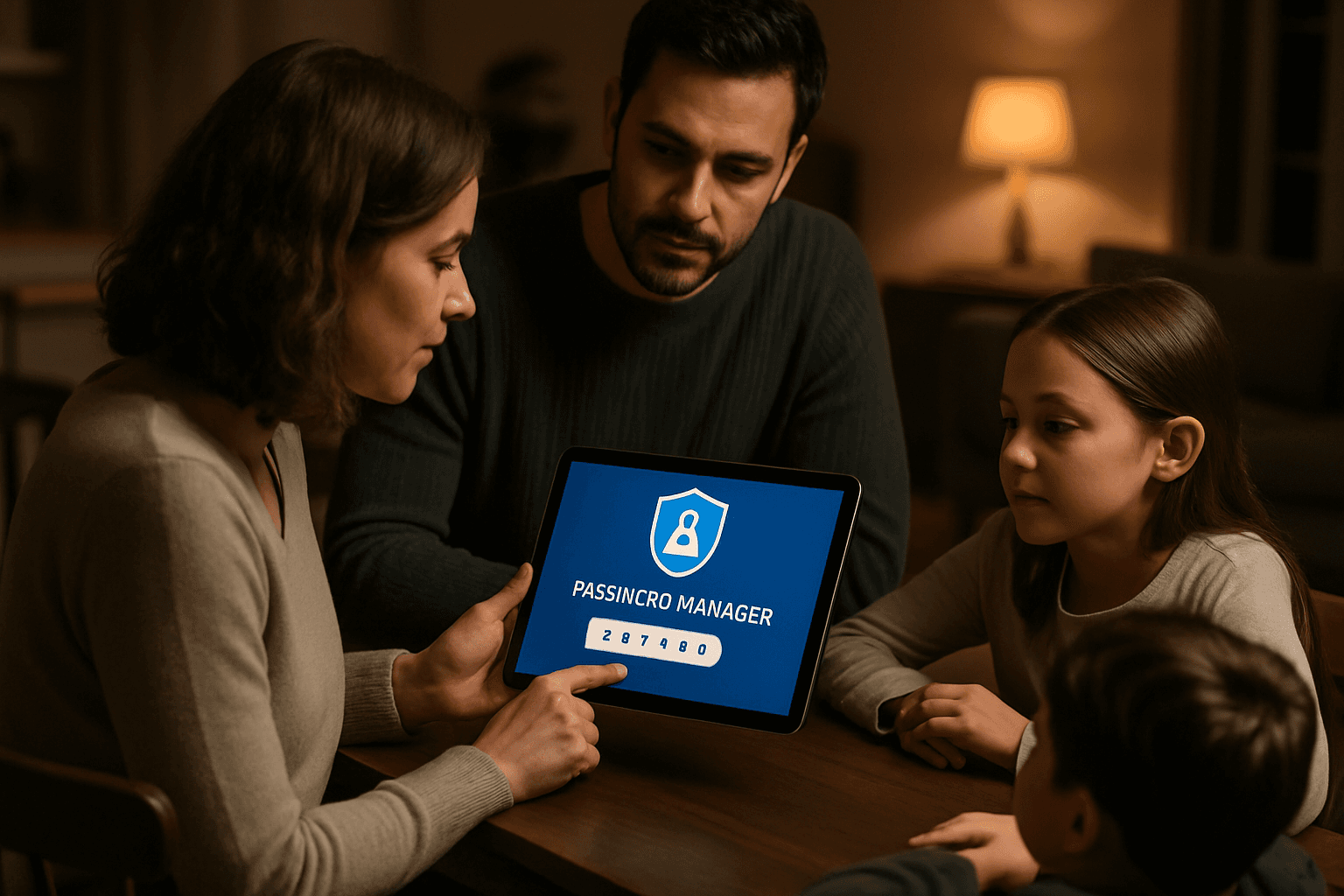
A family of four managing separate accounts, shared streaming logins, and a kid's first email address is juggling north of 500 credentials, most of them reused or written on a sticky note taped to the monitor. A family password manager fixes that by giving each person a private vault while letting parents share the Netflix login, the Wi-Fi password, and emergency recovery codes in one place.
Choosing the right password manager for your household means finding one that balances strong security with ease of use across all ages and technical skill levels. After reviewing current options, here are the best password managers for families in 2026.
1Password: Best Overall for Families
1Password combines the easiest shared vault setup with strong account recovery for household members and a clean interface that works well across devices. The Families plan includes everything in Individual, plus the ability to invite up to five family members, share unlimited vaults, and manage access with simple admin controls.
Pricing & User Capacity
The Families plan ($71.88/year, $5.99/month) covers up to 5 users with shared vaults and individual private vaults. Adding extra users beyond 5 costs $1/month each. The guest account feature really makes 1Password stand out. As a family organizer, you can create up to 5 guests who can access shared vaults. This means a plan can technically cover 10 people. Guest accounts are ideal for young children because they don't get access to a private vault, meaning you can see what accounts your child uses.
Key Features
The Family plan includes critical security features like end-to-end encryption, dual-layer security, and a really unique Travel Mode. The latter temporarily removes sensitive data from devices for safer travel — great for families on the go, especially if you travel internationally.
Bitwarden: Best Value
Bitwarden is a powerhouse at a price any family can afford. For most households who prioritise value and security transparency, Bitwarden Families remains an excellent option.
Pricing & User Capacity
Bitwarden Families now costs $47.88 per year ($3.99/month) for up to 6 people — up from the $40/year price it held since 2016. At $7.98/person/year with full Premium features for all 6 members, it remains one of the best-value family software subscriptions available.
Key Features
The Bitwarden family plan gives up to six family members premium features and a shared families organization, making it simple to generate strong passwords, store them securely, and share logins across the household. The Families plan includes all premium features for every member including advanced two-factor authentication options, encrypted file attachments, emergency access, and the Bitwarden authenticator for TOTP codes.
NordPass: Best for Ease of Use
NordPass is an excellent password manager for families in 2026. It's easy to use, highly secure, and works smoothly across devices, making it a great choice for families looking for a simple way to store and share passwords safely.
Pricing & User Capacity
The prices start at $3.69/month for the 1-year plan and $2.32/month for the 2-year plan. The plans cover up to 6 users, which works out to strong value per person compared to buying individual Premium plans.
Key Features
The Family plan supports up to 6 users and allows secure password sharing between accounts. It uses zero-knowledge architecture and advanced XChaCha20 encryption to protect each user's vault, so even NordPass can't access your stored credentials.
Dashlane: Best for Large Households
Dashlane's Family & Friends plan is excellent for large households as it covers up to 10 active users – that's nearly double what most password managers offer.
Pricing & User Capacity
With Dashlane's Friends & Family plan, you and nine members of your close circle can share a Dashlane subscription. Each person's account is independent, which means your data remains private.
Key Features
If you choose, you can share logins and personal information with other members of your Friends & Family plan. When you have a Friends & Family plan, your data remains private. The other members of your plan can only see logins and other data that you choose to share with them. During testing, Dashlane stood out amongst other password managers by including a VPN with every premium subscription. If you're already on the lookout for a reliable password manager and a VPN service, Dashlane is an excellent choice.
Proton Pass: Best for Privacy
Proton Pass is an excellent choice, with up to six users per account, Swiss-based privacy and built-in email aliases.
Pricing & User Capacity
The Pass Family plan costs $4.19/month and supports up to 6 users. It includes unlimited hide-my-email aliases, Dark Web Monitoring, Proton Sentinel, and secure vault sharing with up to 10 recipients.
Key Features
The family plan is designed for up to six users and combines private vaults with shared vaults, making it easier to separate personal data from credentials that multiple people need to access. It also includes Proton's privacy-focused approach, with end-to-end encryption, password generation, alias support, and security monitoring features intended to help families improve day-to-day account protection.
RoboForm: Best Budget Option
RoboForm's Family Plan at $1.59 per month is one of the most affordable family password managers on the market, offering strong features without sacrificing ease of use. The Family plan includes up to five premium accounts, each with their own secure vault and access to advanced tools like password sharing, form filling, and a built-in TOTP authenticator. It's a solid option for families who want simple password security at a budget-friendly price.
What to Look for in a Family Password Manager
A good family password manager should allow parents or administrators to manage shared credentials while keeping personal vaults private for each member. Encryption standards such as AES-256, zero-knowledge architecture, and end-to-end encryption confirm that providers cannot access user vaults. Families often use multiple devices across different platforms, so reliable syncing is essential. In addition to basic password storage, assess tools that improve security and convenience for families. These include password generators, autofill capabilities, secure notes, password health reports, breach alerts, and dark web monitoring. Prioritize features that help families maintain strong password habits and easily manage shared accounts.
The Bottom Line
Other leading options include Bitwarden for budget-conscious families, Dashlane for easy setup, and NordPass for straightforward password storage. The best choice depends on your household's specific needs—whether you prioritize maximum user capacity, lowest cost, strongest privacy, or the most polished interface. All of these options beat managing passwords in sticky notes or spreadsheets, and most offer free trials so you can test them before committing.