
Document Summarization Software for Business: AI Tools Guide
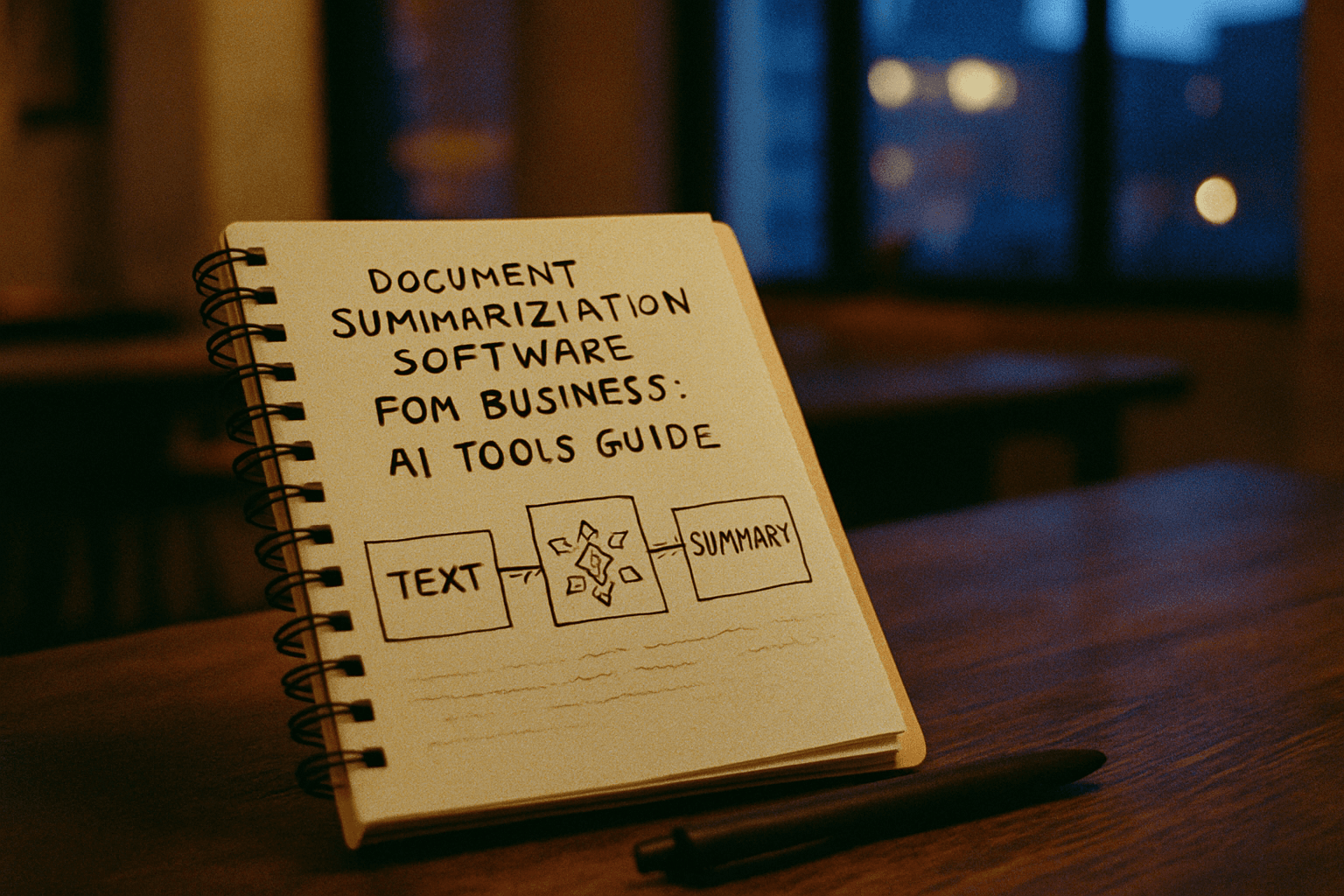
AI-Powered Document Summarization Tools for Business Teams
In 2026, the average knowledge worker spends more than 2.5 hours daily reading and reviewing documents—reports, emails, contracts, research materials, and policy documents. That's a significant drain on productivity that businesses can no longer afford to ignore. AI-powered document summarization software has emerged as a critical solution, enabling teams to extract key insights from mountains of text in minutes rather than hours.
The business case is compelling. Legal and financial services teams report the highest ROI, with median productivity gains of 1.4 FTE hours saved per knowledge worker per day—reaching 2.1 hours per day in legal functions, 1.8 hours in financial services, and 1.2 hours in operations. At organizational scale, companies with 500 knowledge workers using AI summarization tools save the equivalent of 175 to 250 FTE work-weeks per year.
What Document Summarization Software Does
AI summarizer tools help teams quickly cut through large amounts of information, focusing on key takeaways. Rather than manually skimming lengthy documents, teams can feed content into a summarization tool and receive structured, actionable summaries in seconds.
The technology works in two primary ways. Extractive summarization identifies and extracts the most important sentences or phrases directly from the text, ensuring the summary contains actual excerpts from the original content. Abstractive summarization rephrases the content in its own words, generating a concise version that conveys the main points in a more fluid and natural way, sometimes offering clearer insights.
Business Impact and Productivity Gains
The time savings are substantial across industries. A recent Deloitte survey found that companies implementing AI summarization tools reported a 35% increase in research efficiency, allowing analysts to review more sources and identify emerging trends faster than competitors. One major law firm reported a remarkable 70% reduction in document review time after adopting AI summarization tools, enabling attorneys to focus on strategic case planning rather than spending hours reading extensive documents.
Research indicates that meetings supported by AI-generated document summaries are, on average, 40% shorter while achieving the same or better outcomes in team alignment and clarity of action items. Organizations using these tools report 30-40% productivity improvements and time savings that translate to weeks of work recovered annually.
Top Tools for Business Document Summarization
ClickUp (Best Overall for Teams)
ClickUp is an all-in-one work management platform that excels in document collaboration, project management, and internal communications. ClickUp Brain was launched in January 2024, allowing users to summarize and generate content. The AI writing assistant is built into the platform and helps with information retrieval, content creation, and project update summarization. Users can upload documents to ClickUp Docs and ask the AI to summarize, customizing the tone, readability, and target audience. The Ask AI feature helps track team progress, summarizing project updates, Q&A sessions, and standup reports, with bulk summary automation through custom fields for multiple projects.
ChatGPT
ChatGPT is widely used as a flexible AI assistant that can summarize documents, generate insights, and answer text-related questions. Businesses often paste long reports or research content into the platform to create short summaries, and the tool can analyze complex information and simplify it for faster understanding. ChatGPT Plus and Team plans support direct PDF uploads up to 20-50 MB depending on subscription tier, with enterprise users getting larger file support and visual analysis of charts and diagrams.
Claude AI
Claude excels at turning messy documents into structured summaries, drafting customer-facing content that doesn't sound robotic, and explaining technical processes in plain language, reducing the time spent on first drafts and initial analysis. Claude reads entire documents and can answer questions about them, summarize sections, or extract specific information, and users can upload multiple files in one conversation—useful when comparing contracts or analyzing related reports. Claude's long-context processing capability allows it to work with large amounts of contextual information, particularly valuable for businesses dealing with lengthy documents and reports, processing larger bodies of content to generate useful summaries or insights.
Scholarcy (Best for Research and Academic Content)
Scholarcy is a UK-built research-summarization tool that turns academic papers, reports, and other long documents into structured "summary flashcards"—condensed breakdowns of a paper's key concepts, claims, methods, findings, and limitations, generated automatically from the source text. Scholarcy's AI summarization tool is designed to generate accurate, reliable article summaries, trained to identify key terms, claims, and findings in academic papers. The Robo-Highlighter automatically identifies and highlights key phrases and ideas, trained to recognize academic terminology and claims specific to scholarly writing.
Otter (Best for Meeting Transcription)
Otter is the go-to for meeting summarization, recording calls, transcribing them in real time, and producing summaries with key points and action items. For teams that spend hours in meetings and need searchable records, Otter turns spoken content into structured notes automatically.
Jasper (Enterprise-Focused)
Jasper is well-known for being an AI content generator built for enterprise teams, with features that include the AI text summarizer. The platform is designed for scaling summarization across large organizations with multiple team members and document workflows.
Microsoft Copilot (For Microsoft 365 Users)
For users deeply integrated into the Microsoft 365 ecosystem, Microsoft Copilot builds summarization capabilities directly into the products you already use, including OneDrive, the Edge browser, and Teams, allowing you to summarize documents stored in OneDrive without even opening them or get quick summaries of PDFs viewed in Edge.
Key Features to Look For
When selecting document summarization software for your team, consider these factors:
Integration and Workflow Fit
Tools improve team efficiency by automating the time-consuming task of summarizing, allowing employees to focus on higher-value activities and boosting overall productivity. Most standalone tools function as standalone platforms designed only for summarizing text, unlike AI collaboration tools that support broader workflows.
Multi-Format Support
Some tools generate multiple output formats from a single document, while others let you specify the desired format and level of detail in your request. Whether your team needs bullet points, paragraph summaries, or mind maps, look for flexibility in output formatting.
Language and Accessibility
Notta handles multilingual transcription and summarization across 40+ languages, transcribing, translating, and summarizing in a single workflow, making it particularly valuable for global teams and cross-border legal or business work.
Specialized Capabilities
Lindy goes beyond summarization into workflow automation, summarizing emails, documents, and meeting recordings, then turning key points into tasks and action items. For teams that need summaries to feed directly into project management, Lindy connects the reading step to the doing step.
Getting Started with Document Summarization
AI offers a powerful solution by automating document summarization, enabling teams to quickly extract relevant insights, reducing manual effort and boosting efficiency so you can focus on the work that truly matters.
Start by identifying your team's biggest document bottlenecks—contract review, research synthesis, meeting note compilation, or report analysis. Tools quickly extract key points, saving time from reading lengthy documents, and allow professionals to focus on decision-making rather than reading through extensive content.
Most of these platforms offer free tiers or trial periods, making it easy to test solutions with your team before committing to a paid plan. Among leaders whose teams use AI, 75% report better collaboration, and 89% of employees say it helps eliminate repetitive tasks, freeing them to focus on strategic, high-value projects.
The shift toward AI-powered document summarization is no longer optional for competitive businesses. With the right tool, your team can reclaim hours every week—hours that can be redirected toward analysis, strategy, and the work that actually drives your business forward.