
Install Smart Lighting System in Existing Home: Complete Guide
Choosing Your Retrofit Approach: Bulbs vs. Switches
Before picking a single device, you need to decide between two fundamentally different strategies: smart bulbs or smart switches.
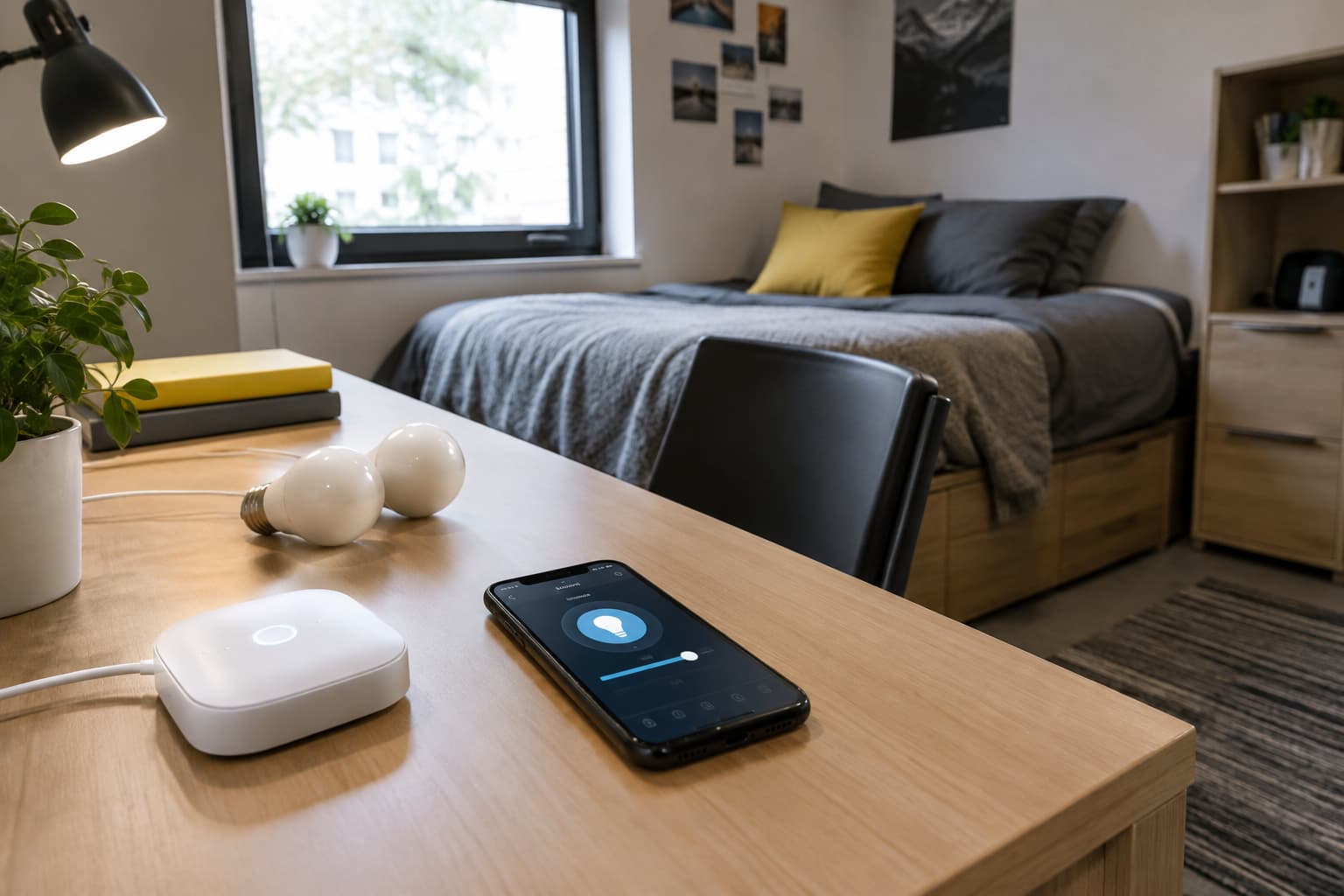
Smart Bulbs: The Easy Entry Point
Smart bulbs are essentially traditional LED light bulbs equipped with built-in wireless communication modules. You simply screw them into a standard light socket, leave the physical wall switch turned on, and control the light entirely through software. The biggest draw of smart bulbs is their plug-and-play nature. Anyone capable of changing a light bulb can install one in seconds, making them an incredibly accessible entry point into home automation.
The tradeoff is operational: if your light switch is turned off, your smart bulb can't be controlled remotely by app. To use smart bulbs, the switch has to remain in the "on" position, permanently. This works fine for most fixtures, but becomes awkward if family members expect to use the wall switch normally.
Smart Switches: Permanent, Whole-Room Control
Smart switches replace the traditional physical light switch on your wall. You do not need smart bulbs to install smart switches. That's really what's so convenient about smart switches. One smart switch controls every bulb on that circuit, whether they're smart or not. This scales better than buying smart bulbs for every fixture—especially in multi-bulb chandeliers or recessed ceiling arrays.
Installation is more involved. Smart switches require turning off the breaker, unscrewing the faceplate, disconnecting wires, and wiring in the new unit. Installation takes about 20 to 30 minutes, with breaker off first.
For retrofit homes, the best strategy often combines both: use smart switches for primary living spaces and hard-to-reach fixtures, and smart bulbs for lamps, accent lighting, and areas where guests need to use the wall switch normally.
Assess Your Home's Wiring Before You Buy
This step determines everything that comes next. You need to know three things about your electrical infrastructure.
Check for a Neutral Wire
Smart lighting installation requires a neutral wire in most cases, so check your home's wiring before purchasing switches if your house was built before 1985. Many smart light switches need a neutral wire to connect to. If there isn't neutral wiring, you'll either have to get an electrician to install it or select smart switches that don't need neutral wiring for installation.
The neutral wire is typically white and carries the electrical current back to the breaker panel. To stay powered without turning on the main light bulb, the smart switch needs a neutral wire to complete its own little electrical circuit.
To check: Turn off the breaker for a light switch you want to upgrade. Carefully remove the old switch (don't touch any wires yet). Look inside the electrical box. A neutral wire bundle—usually white or gray—should be visible. If you see none, there are smart switches available that work without neutral wires from brands including Lutron, GE, and Inovelli.
Evaluate Switch Box Depth and Space
Smart switches are bulkier than traditional ones. Pre-installation assessment involves evaluating your current electrical setup, including switch box depth, neutral wire availability, and circuit loading. If your wall box is shallow (common in older plaster-and-lath construction), you may struggle to fit the device. Have an electrician assess if needed.
Test Your Wi-Fi Coverage and Network
Begin by evaluating the strength and coverage of your home's Wi-Fi. A mesh Wi-Fi system is often the best retrofit solution, providing seamless coverage across floors, outdoor areas, and hard-to-reach corners without the need for rewiring.
Select Your Communication Protocol
Smart lighting devices communicate via Wi-Fi, Zigbee, or Bluetooth Mesh. Your choice affects range, reliability, and how many devices you can connect.
Wi-Fi: Simple but Bandwidth-Limited
Wi-Fi-connected lights are connected to your WiFi router directly with no extra hub needed, and most major brands support it. The catch: if too many devices are loaded at the same time, it will be easy to drop the connection. Wi-Fi works best for smaller retrofits under 20 devices.
Zigbee and Bluetooth Mesh: Scalable Mesh Networks
The Zigbee protocol establishes a private network built using low power mesh technology. Unlike Wi-Fi, where each connected device is linked directly to your router, Zigbee links the devices to a central hub that communicates with the rest of the home network. Zigbee allows hundreds of smart home devices to be connected and work at the same time. Zigbee has good scalability because it supports multiple network topologies including star, tree, mesh network, point-to-point, and point-to-multipoint.
For retrofit and small-to-medium commercial lighting, Bluetooth Mesh offers simpler deployment, lower cost, and faster control.
For whole-home retrofits or future expansion, Zigbee or Bluetooth Mesh outperform Wi-Fi. Just remember: Zigbee and Bluetooth Mesh require a hub device (like Philips Hue Hub or a dedicated Zigbee bridge).
Plan Your Installation Room by Room
Create a simple diagram. Identify which fixtures you'll upgrade first. Prioritize high-traffic areas (kitchen, hallways, bedrooms) and frequently adjusted lights. Start by printing a floor plan of your home, marking light fixture locations, determining switch placements, and making a purchase list before installation and testing.
Smart lighting is an affordable entry point that immediately improves convenience and efficiency.
Installation: Smart Bulbs (The Simple Version)
If starting with smart bulbs, installation is straightforward:
- Most smart bulbs just need to be screwed into an existing light fitting—that's the entire scope of your installation.
- Leave the wall switch in the "on" position. Mark it clearly so nobody turns it off.
- Download the bulb's app and add it to your home network.
- Assign it to a room and set up automations (optional).
Done. Total time per bulb: under 5 minutes.
Installation: Smart Switches (The Careful Version)
Smart switch installation involves electrical work. If you aren't comfortable with basic wiring or have any safety concerns, work with an electrician instead of installing the switch yourself.
Safety First
Before you install a smart light switch (or any light switch), it's essential that you turn off the power to the switch located at the circuit breaker box for your safety. Test it with another device—flip a nearby switch or plug to confirm the power is truly off.
Wire Identification
For most smart switches, you will need each of the following wires: a black (lead) wire, a red or black load wire, a green or copper ground wire, and a white neutral wire (or a bundle of white wires).
Once you remove the old switch:
- Line (Hot): Black wire carrying live power from the breaker.
- Load: Red or black wire going to the light fixture.
- Neutral: White or gray wire bundle providing return path.
- Ground: Green or bare copper wire for safety.
Connecting the New Switch
A standard single-pole smart switch will require you to make four connections: line, load, neutral, and ground. Start with the neutral wire, then the ground, then the line and load wires. Use wire nuts to cap connections securely. A single loose nut will cause the whole switch to fail, and it's the most common reason why your smart switch won't work when you finish the installation.
Once wired, fold the device carefully back into the electrical box, attach the mounting bracket, and screw on the faceplate.
Special Situations
You need switches explicitly rated for 3-way or 4-way setups, and in some cases a companion switch (a non-smart secondary unit paired to the smart primary) rather than two full smart switches. Standard smart switches don't work on three-way circuits without modifications. Check your product manual.
Network Setup and Testing
After physical installation, connect devices to your network:
- Open the manufacturer's app and follow pairing instructions.
- Select your home Wi-Fi network (or Zigbee hub, if applicable).
- Assign the device to the correct room.
- Test on/off, dimming, and scheduling through the app.
- Set up voice control if your ecosystem supports it (Alexa, Google Home, etc.).
Don't overload circuits with multiple smart devices. Add devices gradually and test stability. You can also set up smart lighting schedules and scenes for enhanced automation once connected.
When to Hire a Professional
Call an electrician if:
- Your home doesn't have a neutral wire or ground wire (common for those built before the 1980s) and you want standard smart switches.
- Many older homes lack neutral wires at switch locations, which can limit device compatibility and require additional electrical work to achieve full smart wiring functionality.
- Your switch boxes are too shallow or crowded to fit new devices.
- You need to run new circuits or rewire existing ones.
Professional installation typically costs $75 to $150 per switch but ensures code compliance and long-term reliability.
Maintenance and Expansion
Smart lighting systems are low-maintenance once installed. Test automations monthly and update device firmware when manufacturers release patches. Choose a system that won't block the rooms or routines you may add later. This future-proofs your investment as your smart home grows.
Start small, test your setup, then expand room by room. What works in your kitchen informs better choices for the rest of your home.