
Passkeys vs Passwords: Security, Phishing Resistance & Future
What Are Passkeys?
A passkey is a FIDO authentication credential based on FIDO standards that allows a user to sign in to apps and websites with the same process they use to unlock their device (biometrics, PIN, or pattern). Rather than typing characters into a login form, a user approves a sign-in with the same process they use to unlock their device.
The underlying technology behind passkeys is public-key cryptography, which involves the use of key pairs for secure authentication. When a user sets up a passkey, a unique key pair is generated on their device. The public key is shared with the service or website, and the private key remains securely stored on the user's device. This separation is critical to security: the private key, which is essential for authentication, is never exposed to potential threats.
The Fundamental Difference Between Passkeys and Passwords
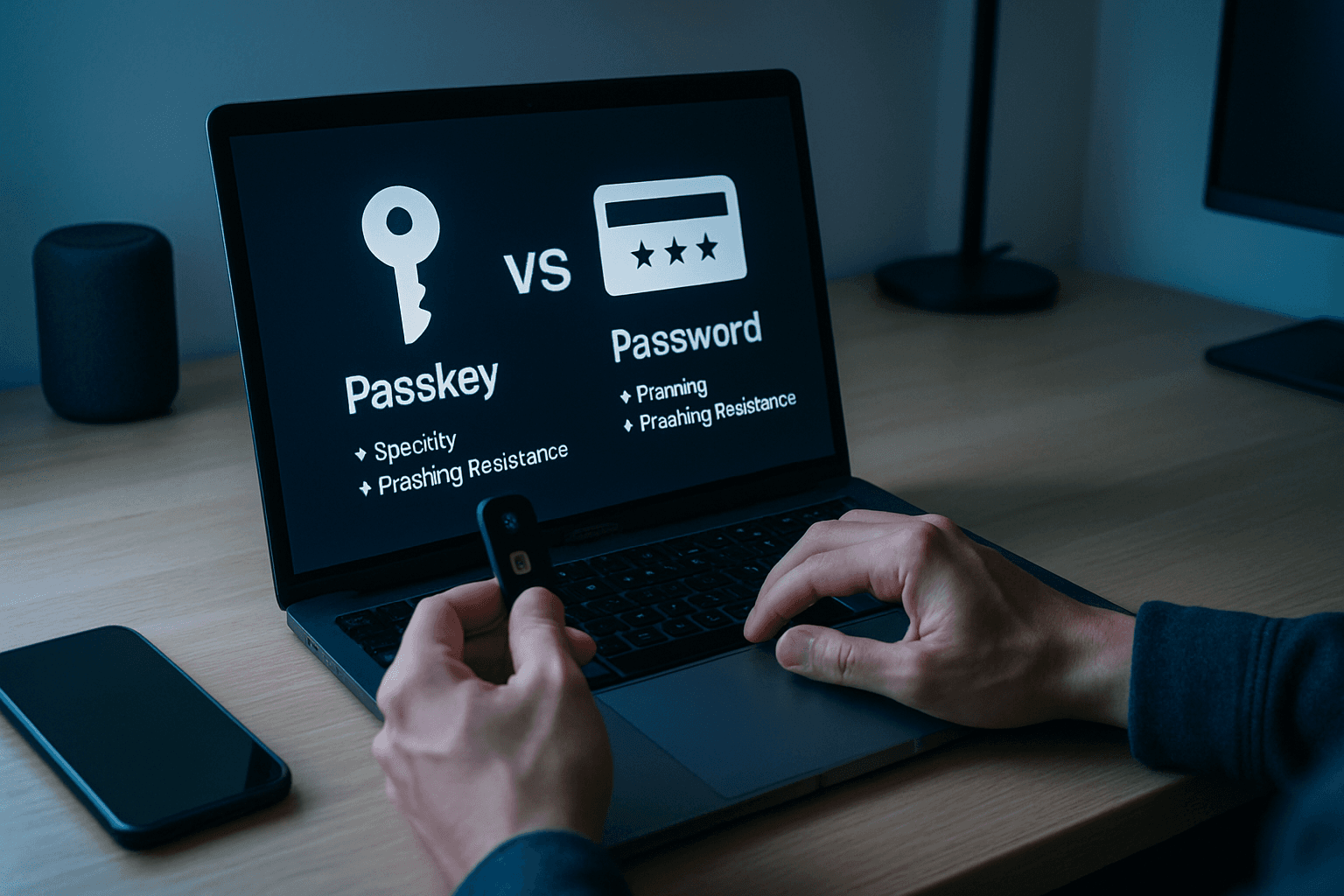
The core distinction between passkeys and passwords isn't just technical—it's philosophical. A password is a shared secret you type, something that can be guessed, reused, or phished. A passkey is a cryptographic key pair tied to your device, something that can't be guessed, reused, or phished the same way, because there's no secret in transit for an attacker to catch.
Consider the mechanics:
- Passwords are user-created strings of characters, whereas passkeys are system-generated cryptographic keys
- Passkeys are unique by default, while passwords are as complex as the user makes them
- Passwords are stored on servers or databases, while passkeys consist of a public key stored on servers and a private key stored on a device
From a user experience perspective, the change is equally significant. Unlike passwords, passkeys don't need to be memorized. They work with your device's biometrics or a PIN to verify you. There's no password reset cycle, no complexity requirements to manage, and no cognitive burden to remember multiple lengthy strings.
Why Passkeys Are More Secure
Security professionals increasingly view passkeys as a breakthrough because they solve several fundamental password problems simultaneously.
Phishing Resistance
Unlike passwords, passkeys are phishing-resistant, are always strong, and are designed so that there are no shared secrets. The mechanism is elegant: because passkeys are bound to a website or app's identity, they're resistant to phishing attacks. The browser and operating system ensure that a passkey can only be used with the website or app that created them. A passkey generated for Amazon cannot be used on a fake Amazon lookalike, no matter how convincing.
Passkeys are 20% more successful at reducing the risk of phishing than passwords or passwords plus a second factor like SMS OTP.
Protection from Data Breaches
When a user creates a passkey with a site or application, this generates a public–private key pair on the user's device. Only the public key is stored by the site, but this alone is useless to an attacker. An attacker can't derive the user's private key from the data stored on the server, which is required to complete authentication. This fundamentally changes breach economics: servers hold worthless public keys, not credentials that attackers can exploit.
Google reports passkey accounts have a 99.9% lower compromise rate than password accounts.
Elimination of Credential Attacks
Passkeys help reduce attacks from cybercriminals such as phishing, credential stuffing, and other remote attacks. With passkeys there are no passwords to steal and there is no sign-in data that can be used to perpetuate attacks. Each passkey is unique to its service, so even if compromised (which is architecturally difficult), it cannot be reused elsewhere.
How Passkeys Work: The Technical Flow
A passkey is a cryptographic authentication credential built on the FIDO2 protocol that replaces passwords with asymmetric public-private key pair cryptography. Your device generates and stores a private key inside secure hardware, while the public key is sent to the server. During login, the server issues a challenge, your device signs it with the private key, and the server verifies the signature.
The user experience is straightforward: When a user wants to sign in to a service that uses passkeys, their browser or operating system will help them select and use the right passkey. To make sure only the rightful owner can use a passkey, the system will ask them to unlock their device. This may be performed with a biometric sensor (such as a fingerprint or facial recognition), PIN, or pattern.
Your biometrics are not shared beyond your device when you create a passkey. Your biometric data never leaves your device because your biometrics are managed by the device, not the website or the app that you are trying to access.
Current Adoption and Industry Support
Passkey adoption has accelerated considerably. Last year saw 75% awareness; this year's 90% points to near-universal acknowledgement, and nearly half of all consumers now habitually enable passkeys. On the business side, 68% of organizations are deploying, piloting, or rolling out passkeys for employee authentication.
But adoption varies by industry:
- Fintech sits near 60 percent active passkey usage among supported users
- Ecommerce sits near 35 percent
- B2B SaaS sits near 28 percent
- Streaming and ad-supported media trails at roughly 18 percent
The disparity reflects risk: Fintech has reached roughly 60 percent passkey adoption because the cost of a single account takeover (ATO) is between $200 and $4,500 in fraud losses and remediation, which makes the business case for aggressive passkey prompting trivial.
Service support is expanding. Approximately 50-60 percent of top 100 websites now support passkey authentication. This includes all the major technology platforms (Google, Apple, Microsoft), large e-commerce sites (Amazon, eBay, Best Buy), financial services (PayPal, Coinbase), and social media (LinkedIn, WhatsApp, X).
The Path Forward: Passwords and Passkeys Together
Despite passkeys' advantages, the transition isn't instantaneous. 93% of users still type passwords every day. Only a few hundred sites support passkeys. You need both passwords and passkeys for the next 5-10 years.
Most organizations run both, with passkeys as the primary method and passwords kept as a fallback during the transition. This hybrid approach makes practical sense: early adopters can enjoy the security and convenience of passkeys, while older systems and less-tech-savvy users maintain password access.
Three-quarters of consumers have enabled passkeys on at least one account. But widespread adoption requires coordinated effort across device makers, browsers, and services—all of which are actively working toward that goal.
Why This Matters Now
Passkeys address the authentication weaknesses that drive the majority of breaches. Security standards bodies are taking notice. The National Institute of Standards and Technology Digital Identity Guidelines increasingly favor phishing-resistant authentication methods.
The future of authentication is architecturally different from passwords. It's not a minor upgrade or an add-on to existing systems—it's a shift from something-you-know (memorized credentials) to something-you-have-and-something-you-are (cryptographic keys protected by biometrics). For users tired of password resets and security fatigue, and for organizations struggling with breach costs, passkeys represent genuine progress.
From a security point of view, passkeys are the clear winner. They offer stronger protection, can resist phishing and are easier to use. But until passkeys are everywhere, passwords will still play a supporting role.