
What Is Split Tunneling VPN & How to Use It Safely
What Is Split Tunneling?
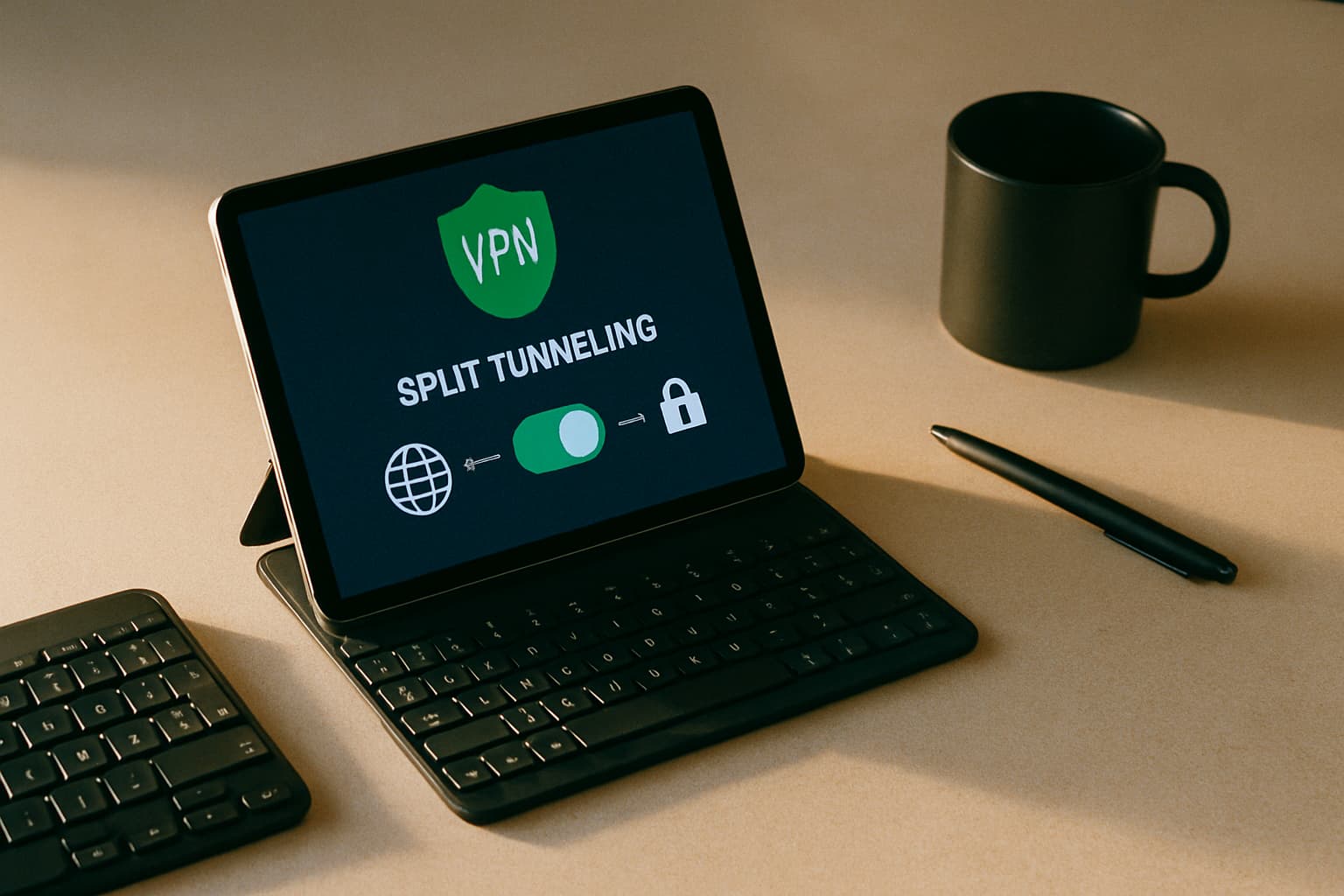
Split tunneling divides your internet traffic into two separate pathways. One routes through the encrypted VPN tunnel, protecting your data with military-grade encryption. The other connects directly to the internet, bypassing the VPN entirely. Your connection splits into two paths running at the same time: You decide which apps or websites use which path. Maybe your browser and email go through the VPN, while your gaming or streaming traffic uses your regular internet connection for better speed. Both routes work simultaneously without interfering with each other.
The purpose of split tunneling isn't to increase your online security, but to let you access certain apps, websites, or online services at normal internet speeds, even if you're connected to a VPN.
How It Works
At a basic level, split tunneling turns your VPN app into a smart traffic director. Every time your device sends data online, the VPN inspects the packet and decides where it should go – through the VPN tunnel for security or through your normal internet connection for speed.
When You Should Use Split Tunneling
Split tunneling excels in specific scenarios where performance matters alongside security:
Remote Work: Organizations can route sensitive business traffic through a secure VPN while allowing general internet use outside the tunnel. This keeps confidential files encrypted while letting employees browse normally without slowdowns.
Gaming and Streaming: Split tunneling lets you stay protected while browsing but keep your gaming connection outside the VPN to reduce latency, avoid high ping, and maintain stable performance. You might decide to route streaming traffic through a remote VPN server to access different content libraries — or bypass the VPN when connecting to a service that blocks VPN connections.
Local Network Access: Accessing local network devices, such as printers, NAS drives, or smart TVs, that may be difficult to reach through a VPN. When you connect to a VPN, encryption may block access to your LAN. With split tunneling, you can still access local resources like printers through your LAN while benefiting from the security of the VPN.
Regional Content: Local services like weather and news apps also determine your location through your IP address. By letting them bypass the VPN tunnel, you'll get access to the latest local updates even if your VPN IP address is set to somewhere else.
The Security Risks You Can't Ignore
Before enabling split tunneling, understand what you're trading away. This isn't a feature to enable lightly.
With split tunneling, not all your data traffic is routed through a VPN, meaning some of it may be exposed to online dangers. Non-encrypted traffic bypasses the VPN, potentially exposing sensitive data to security threats.
Loss of Visibility: Every packet that bypasses your VPN also bypasses your security stack. No firewall inspection, no web gateway filtering, no DLP controls. Your ISP and anyone monitoring your network can see which sites you visit and what you're doing on them.
Malware and Lateral Movement: The boundary between protected and unprotected traffic also becomes a potential attack point, especially for malware, DNS leaks, or unsecured public Wi-Fi. A compromised device can become a bridge between secure and insecure networks. With split tunneling, where you might have configured your web browser to bypass the VPN, that same malware can communicate with its controllers over your unencrypted home internet connection and evade your corporate security protections.
Data Interception: Internet traffic that is not protected by the VPN can be easily intercepted by hackers and Internet Service Providers (ISPs), making it susceptible to data breaches and privacy invasions. This doesn't stop your ISP or the owner of a public wifi hotspot from seeing which sites you visit. Worse, if you're using a site that still relies on HTTP, anyone observing the network can see every page you visit.
Best Practices for Safe Setup
Start from inverse: Tunnel everything by default, then add narrow exceptions. This "default-deny" approach is more secure than excluding apps one by one, because you're protected unless you specifically allow bypass.
Use Two Split Tunneling Modes: In exclude mode, everything tunnels except what you specify. In include mode (inverse split tunneling), everything goes direct except what you specify. Inverse mode is preferable—route everything through the VPN and only exclude apps that genuinely don't need protection.
Only Exclude Non-Sensitive Traffic: It is important to ensure that only non-sensitive or low-risk traffic bypasses the VPN. Any traffic that involves sensitive data or internal resources should always pass through the secure tunnel to avoid exposure to potential threats. Banking apps, work email, document collaboration tools, and anything accessing company resources must go through the VPN.
Strengthen Endpoint Security: Users who utilize split tunneling should have strong endpoint security measures, such as up-to-date antivirus software, firewalls, and intrusion detection systems, to reduce the likelihood of malware or attacks affecting the unencrypted traffic.
Monitor and Audit: Constantly monitor and audit traffic to ensure that split tunneling is not inadvertently exposing sensitive data or violating security policies. This may involve analyzing traffic logs and conducting vulnerability assessments.
How to Enable Split Tunneling
The process varies slightly by VPN provider, but the fundamentals are consistent. All you need to do is go into the Settings or Options in your VPN and select Split tunneling. From there, it should give you options to manage your VPN connection on a per-app or per-URL basis. You can then choose which apps or sites you want to use the VPN and which you want to go through the open network.
For Windows users, to enable VPN split tunneling in Windows 10, paste: Set-VPNconnection -name YourVPNconnection -SplitTunneling $true. Replace YourVPNconnection with the actual name and press Enter.
For VPN apps, most providers offer app-by-app control directly in their client. From there, you can select different split-tunneling options, including which apps use or bypass the VPN. You can also configure it so specific websites can get around the VPN tunnel, which is useful for sites that block VPNs (like bank sites).
When to Avoid Split Tunneling Entirely
Avoid it when regulated data is handled remotely or endpoint tooling is inconsistent. Also avoid it if you cannot audit what bypasses the tunnel. Split tunneling is a tool that should be used sparingly, and only if you're having problems accessing a given service with the VPN active. For instance, it can be helpful for downloading updates as quickly as possible or accessing local geo-blocked websites. Because you're giving up protection, though, it's best avoided in corporate settings and shouldn't be used for financial transactions or when working with sensitive information.
The Bottom Line
Split tunneling is a practical feature when used deliberately and carefully. Split tunneling is most valuable in specific situations where flexibility is more important than routing every connection through the VPN. The key is understanding that every app you exclude loses VPN protection entirely—so only exclude what truly doesn't need it. Use inverse mode, keep your exception list short, and maintain strong endpoint security as your backup defense layer.