
Zigbee vs Z-Wave for Smart Home: Which Protocol Is Better?
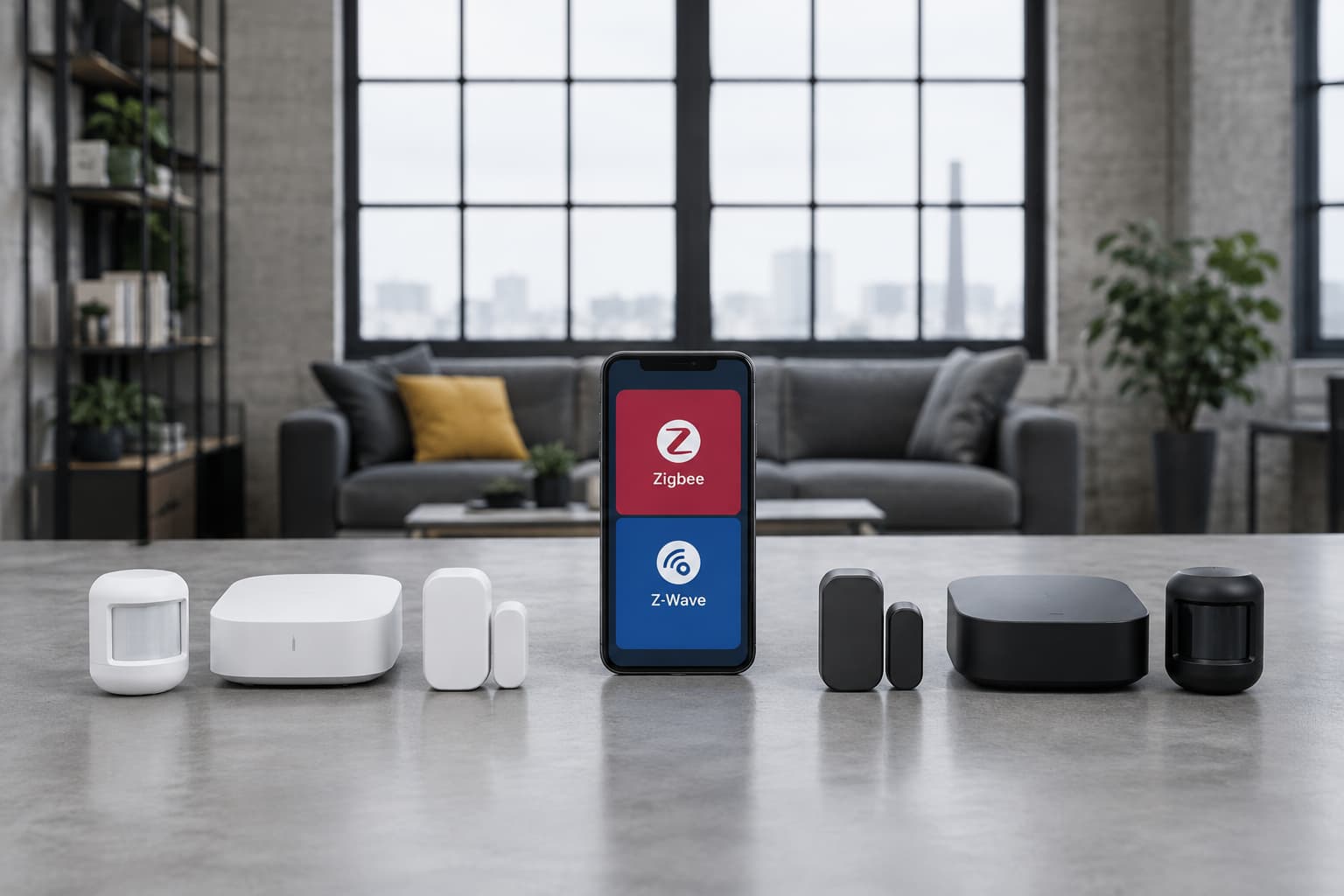
Understanding Wireless Protocols for Smart Homes
Zigbee and Z-Wave are wireless protocols that help smart home devices communicate using mesh networks, each with different strengths. WiFi, by contrast, is the familiar network your computer and phone already use. Each protocol trades off range, power consumption, speed, and device compatibility in different ways.
Why Protocol Choice Matters
The protocol you pick affects whether your devices can talk to each other, how long battery-powered sensors last, how fast commands execute, and whether you need a separate hub. Making the wrong choice can leave you with incompatible devices or frustrated by dropped connections.
Zigbee: Best for Dense, Low-Power Networks
Zigbee predominantly operates at 2.4 GHz globally (and optionally 915 MHz in the US), the same crowded band shared with Wi-Fi and Bluetooth. This frequency allows for faster communication than Z-Wave, but trades range and interference resistance.
Zigbee Specifications
Zigbee's data throughput tops out at 250 kbps vs. Z-Wave's 100 kbps, though for sensor data and on/off commands this rarely matters. Zigbee devices typically communicate over distances of 75 to 100 meters, although the actual range can vary depending on environmental obstacles and interference.
The real strength of Zigbee lies in power efficiency. ZigBee nodes can sleep most of the time, thus an average power consumption can be lower, resulting in longer battery life. Unlike Z-Wave's maximum of four hops, Zigbee doesn't restrict the number of hops that data can take, potentially enhancing network resilience.
Zigbee Best For
Zigbee works best in dense device networks like smart lighting and sensor farms where mesh redundancy matters more than per-hop distance, and where low device costs are a priority. Zigbee wins on device variety and cost. Choose Zigbee for better device selection and lower cost.
Zigbee Limitations
Zigbee is an open-source protocol that manufacturers can alter to their liking, and this may lead to compatibility issues between different brands. However, Zigbee 3.0 improved its compatibility.
Z-Wave: Optimized for Reliability and Range
Z-Wave is a proprietary wireless protocol owned by Silicon Labs, operating in sub-GHz frequency bands (868MHz in Europe, 908MHz in the US). Because it operates below 1GHz, Z-Wave signals travel further and penetrate walls better than 2.4GHz protocols like Zigbee and Wi-Fi.
Z-Wave Specifications
Z-Wave is capped at 232 nodes and 4 hops per network. While this sounds restrictive, it supports up to 232 nodes, fewer than Zigbee, but still more than enough for most smart home setups.
The Z-Wave Long Range (LR) specification was announced in September 2020, a new specification with up to four-times the wireless range of standard Z-Wave. Z-Wave Long Range (ZWLR) is a sub-GHz wireless communication protocol designed to extend smart home connectivity, offering a range of up to 1.5 miles.
Z-Wave Best For
Z-Wave Classic is the reliable workhorse for typical smart homes up to ~232 devices, offering better wall penetration and guaranteed interoperability than Zigbee. Z-Wave wins on interference immunity and range. Choose Z-Wave for better range, less interference, and more consistent reliability through walls.
Z-Wave Strength: Interoperability
Z-Wave still offers stronger interoperability across brands. Z-Wave Alliance certifies devices to standards that guarantee interoperability with full backwards compatibility among all generations of Z-Wave devices. This means a Z-Wave lock from one brand will work reliably with any Z-Wave hub, without the workarounds sometimes needed with Zigbee.
WiFi Smart Home Devices: Familiar But Power-Hungry
Wi-Fi is the most widely used and familiar technology for connecting smart home devices. Your existing router already broadcasts WiFi, and Wi-Fi is compatible with most smart home devices and platforms, such as Amazon Alexa, Google Assistant, Apple HomeKit, and Samsung SmartThings.
WiFi Advantages
The main appeal is convenience. A Wi-Fi WLAN with an Internet connection allows home automation devices to be connected to the Internet and be controlled from virtually anywhere in the world. You don't need to buy a separate hub—your existing WiFi router handles coordination.
WiFi Drawbacks
WiFi's disadvantages are significant for battery-powered devices. Wi-Fi provide relatively high range and bandwidth, but at a cost of power consumption levels that are not practicable for battery-powered devices in some applications. WiFi enabled gadgets use more power than Zigbee or ZWave gadgets, which can reduce battery life and raise energy bills.
Every WiFi device adds traffic to your network. A home with dozens of WiFi smart devices can slow down your overall internet speed, particularly on older routers. Cordless phones, microwave ovens, and other electronic equipment can cause WiFi networks to experience interference, which can impair the functionality of smart home appliances.
Many WiFi smart devices rely on an internet connection and cloud services to function. If your internet goes down, WiFi devices often stop working, while Zigbee and Z-Wave networks continue operating locally.
WiFi Best For
High-bandwidth devices (cameras, streaming): WiFi remains the primary choice. Low-bandwidth, battery-powered sensors (door, motion, temperature): Zigbee, Z-Wave, and Thread excel due to low power consumption.
Head-to-Head Comparison
| Feature | Zigbee | Z-Wave | WiFi |
|---|---|---|---|
| Frequency | 2.4 GHz (2.4 & 915 MHz options) | Sub-GHz (900-920 MHz) | 2.4/5 GHz |
| Speed | 250 kbps | 100 kbps | High (Mbps) |
| Range | 75-100 meters | 100-800 meters (Z-Wave LR: 1.6 km+) | ~50m indoors, 100m outdoors |
| Power Consumption | Low (years on batteries) | Low | High |
| Max Devices | Unlimited (mesh architecture) | 232 nodes max | Routers often struggle with 20–30 devices |
| Interoperability | Improved with Zigbee 3.0 | Stronger across brands | Good (most platforms) |
| Hub Required | Yes | Yes | No (uses existing router) |
Hub Requirements and Compatibility
Both Zigbee and Z-Wave require dedicated hubs to coordinate devices. However, many modern smart home hubs, such as the Aeotec Samsung SmartThings Hub or Hubitat, are capable of communicating with both Zigbee and Z-Wave devices simultaneously. This means you will have both Zigbee and Z-Wave networks in your house and a single hub that will communicate with both of them.
Z-Wave and Zigbee use different frequencies and are not directly compatible. However, they can work together in a smart home ecosystem through a central hub or controller that supports both protocols.
Which Protocol Should You Choose?
Choose Zigbee if:
- You're primarily adding smart lights, switches, or small accessories in a compact home, Zigbee devices offer flexible connectivity and a broad ecosystem.
- You prioritize lower device cost and have an existing compatible hub
- You need to support many battery-powered sensors
Choose Z-Wave if:
- Your setup includes smart locks, door sensors, or you want a home automation system that spans multiple rooms or floors, Z-Wave devices may deliver more reliable range and performance.
- You value guaranteed cross-brand compatibility
- You have a large home or deal with thick walls blocking signals
Choose WiFi if:
- You're adding cameras, video doorbells, or streaming speakers that need high bandwidth
- You already have excellent WiFi coverage and don't mind the power cost
- You want to avoid buying a separate hub
The best smart homes often use a hybrid approach. Many experienced smart home enthusiasts eventually adopt a hybrid approach, using both Z-Wave and Zigbee devices within the same system. This strategy allows you to leverage the strengths of each protocol for different applications and create redundancy in your smart home network.